Data modeling tools
Explore Luna Modeler
SQL databases
NoSQL & APIs
Use cases
Buy
Discounts
Billing & terms
Learn
Documentation
Help
Company
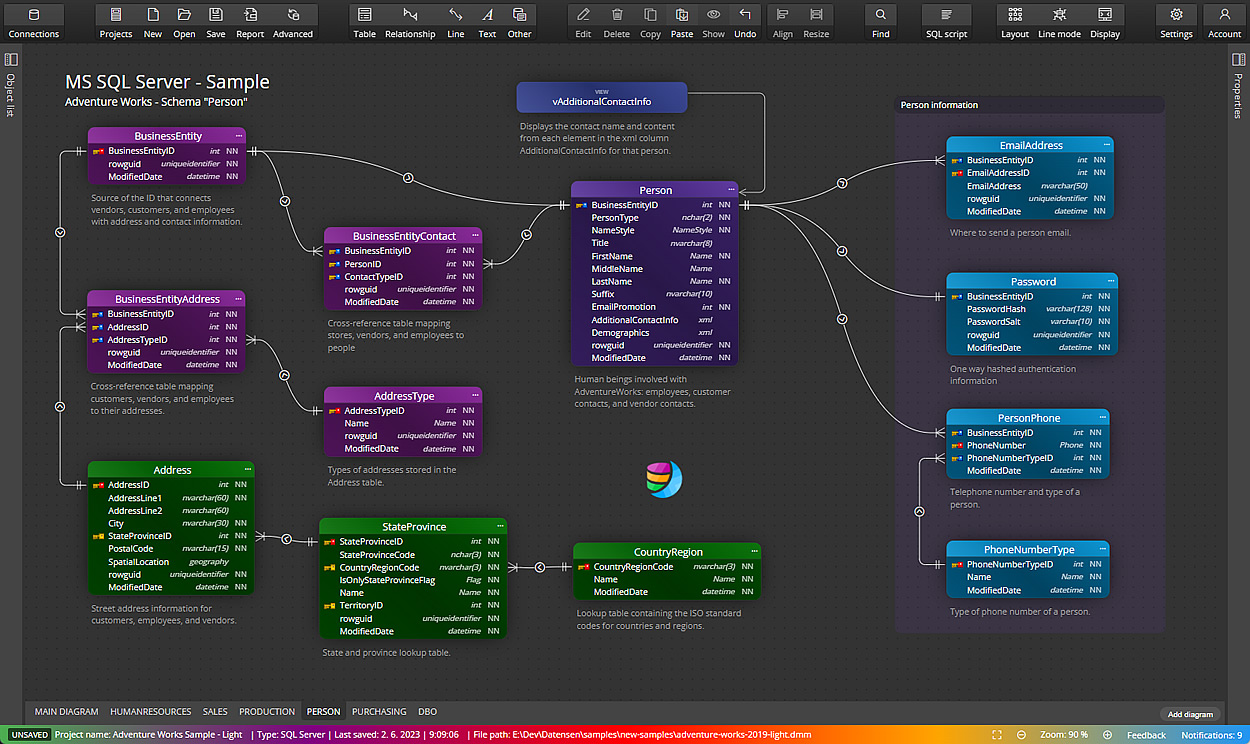
A data modeling tool that supports creation of ER diagrams for databases like Oracle, SQL Server, PostgreSQL, MariaDB and other RDBMS.
Dive into our guide on the Luna Modeler user interface and enhance your experience with practical insights on its core components.
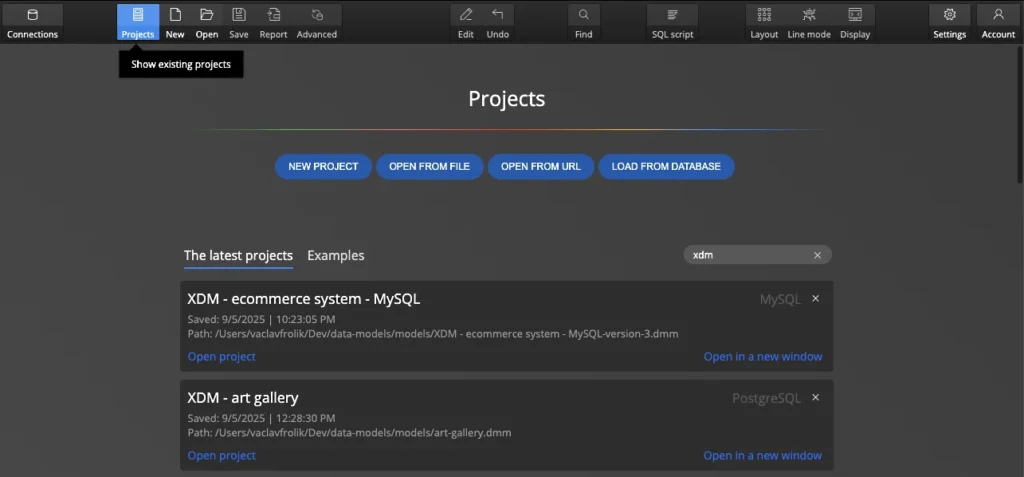
Create and manage data modeling projects in Luna Modeler. Start from scratch, reverse-engineer a database or import an existing schema.
Set up connections to PostgreSQL, MySQL, Oracle & SQL Server in Luna Modeler. Load the database schema and generate ER diagrams automatically.
Connect to databases securely over SSH tunnels, SSL or TLS in Luna Modeler. Load schema structure and auto-generate ER diagrams.
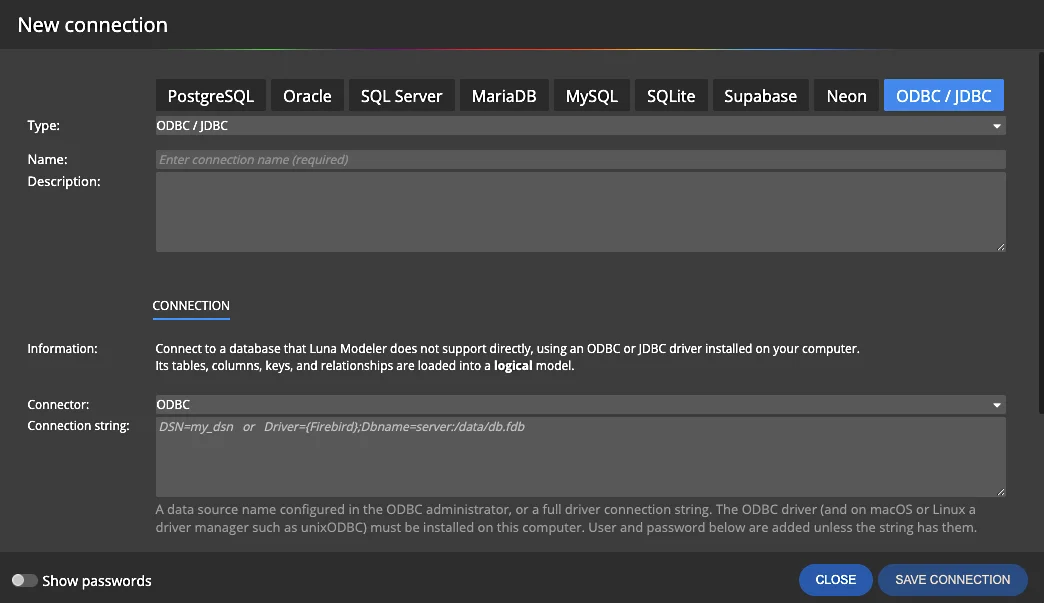
Set up an ODBC or JDBC connection in Luna Modeler, load a database that is not directly supported into a logical data model and keep it up to date.
Connect to PostgreSQL, MySQL, Oracle or SQL Server and automatically generate ER diagrams from your live database. Luna Modeler: free trial.
Generate SQL CREATE scripts from your ER diagram in Luna Modeler. Supports PostgreSQL, MySQL, Oracle, SQL Server, MariaDB & SQLite.
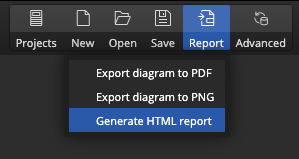
Generate interactive HTML reports from your ER diagrams in Luna Modeler. Share database documentation with your team without extra tools.
Draw ER diagram on one diagram or create multiple sub-diagrams for specific parts of your database design.
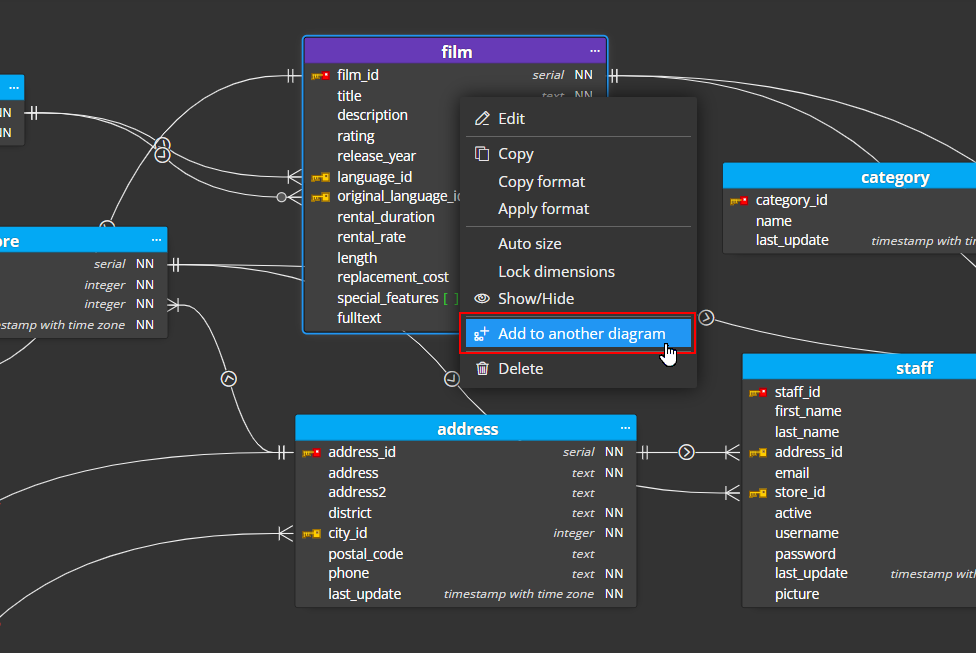
Learn how to easily detect dependencies and how to add referenced objects to an ER diagram created in Luna Modeler: data modeling tool.
Discover how to create and manage dependencies in data models with Luna Modeler for comprehensive data visualization.
How to define data type aliases for your projects in Luna Modeler. Add new data types as needed and generate SQL scripts.
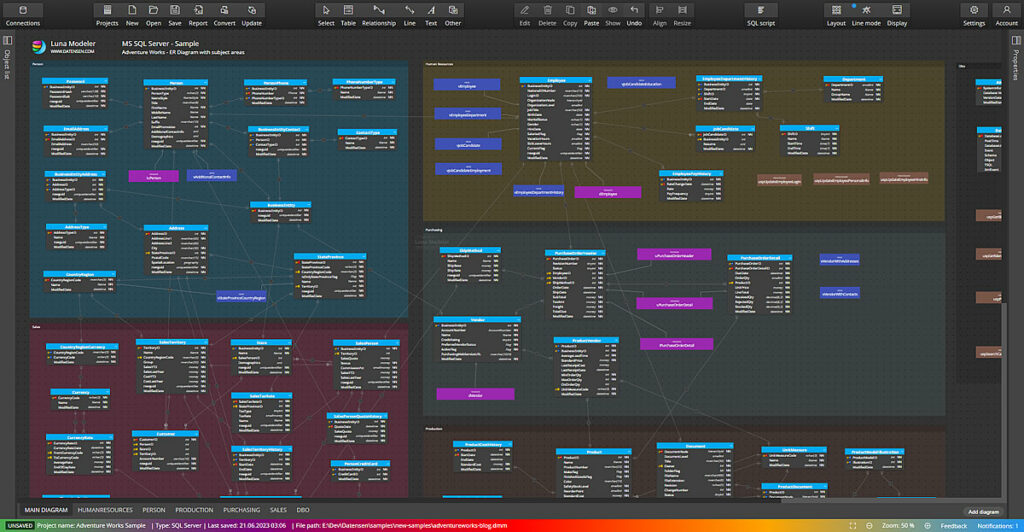
Use subject areas in Luna Modeler to group related tables and organise complex ER diagrams into logical sections.
Learn how the Layout function in Luna Modeler enables an easy arrangement of diagram items for better readability and structure.
Explore the features of Schema Assignment in Luna Modeler. Assign, remove, or replace schemas effortlessly for your objects.
In Luna Modeler 5 you can compare your project with your database, review differences and easily update your project and ER diagram.
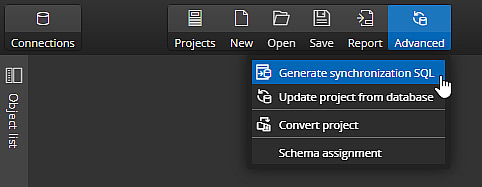
Compare a Luna Modeler project against a live database and generate schema synchronization scripts for PostgreSQL, Oracle, SQL Server, MySQL and SQLite.
Compare two database schema versions in Luna Modeler and generate a visual HTML diff report highlighting added, modified & removed objects.
Track and manage different versions of your ER diagrams directly in Luna Modeler using the built-in Version Control Explorer.
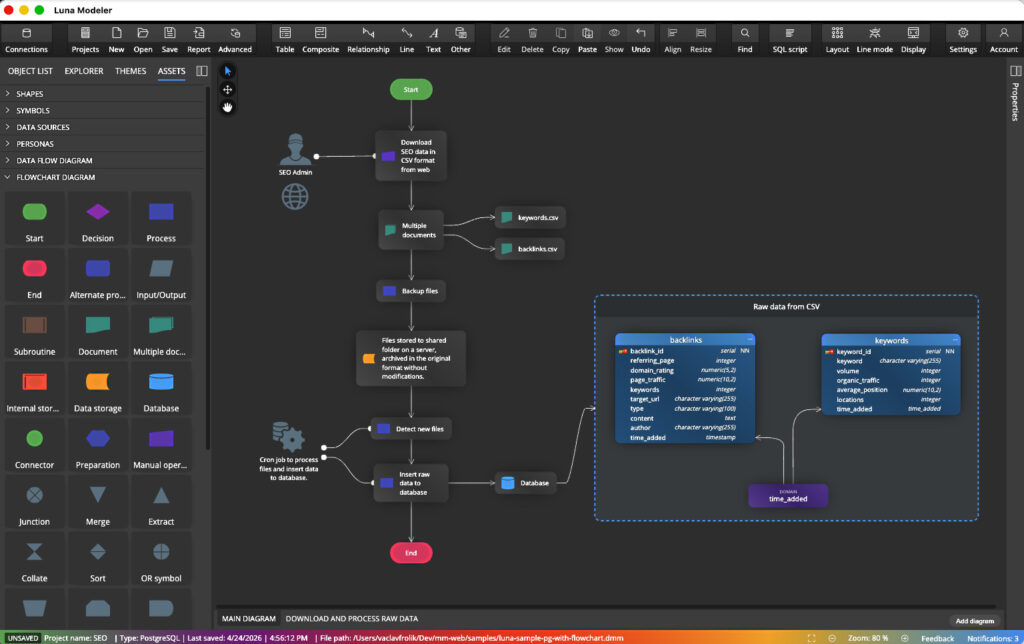
Explore assets for better data modeling with Luna Modeler. Design databases visually while adding context and flow.
Learn about database schema conversion. Find out how Luna Modeler can help you with the conversion from one database platform to another.
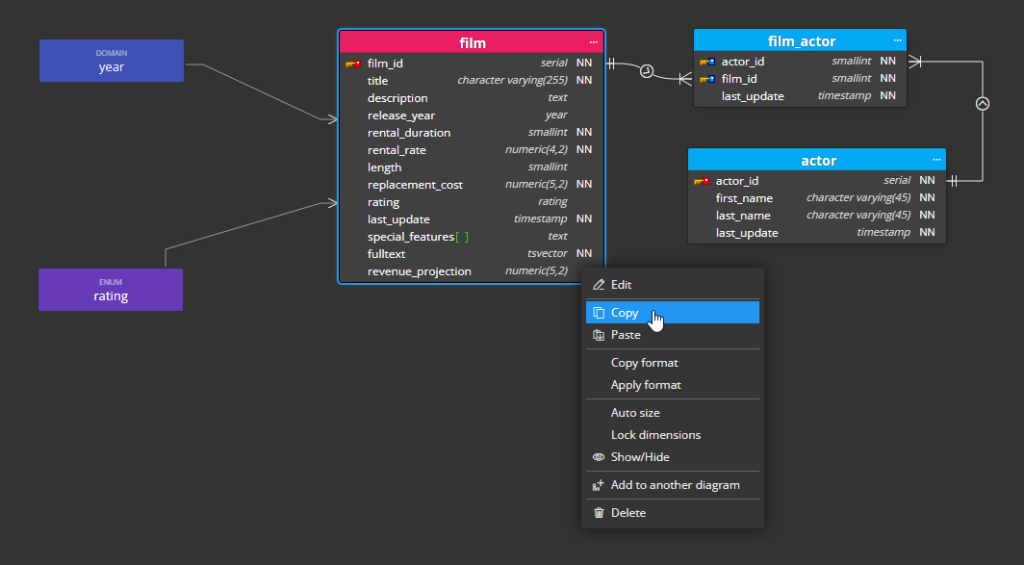
See how to copy and paste one or more tables or individual columns in your ERD. Find out how to work with dependencies in Luna Modeler.
Learn about the various themes in Luna Modeler and how they can instantly improve the look of your diagrams and user interface.
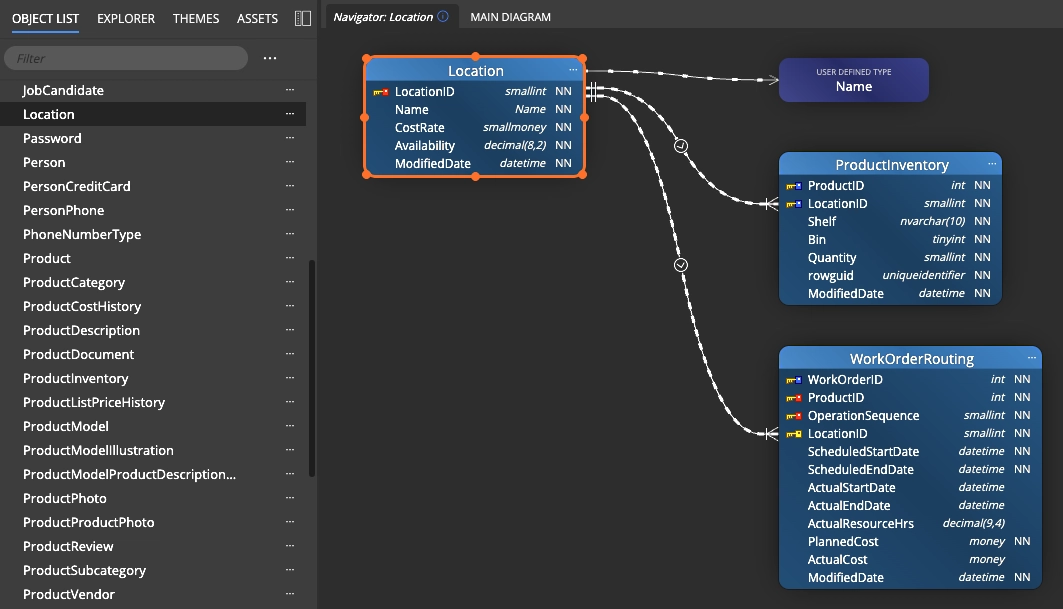
Select any table in Luna Modeler and Navigator: Context Lens instantly opens a focused diagram of every relationship, dependency and line connected to it.
Detect schema drift using the CLI, regenerate documentation and export diagrams from a terminal or CI job. No desktop window, no manual clicks before every release.
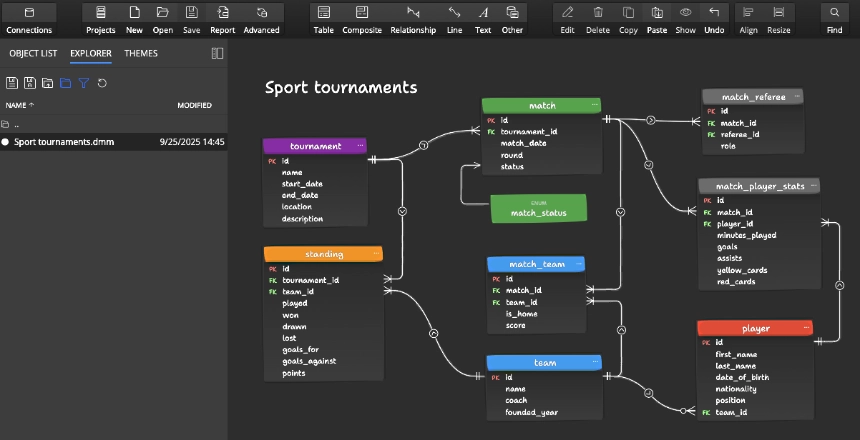
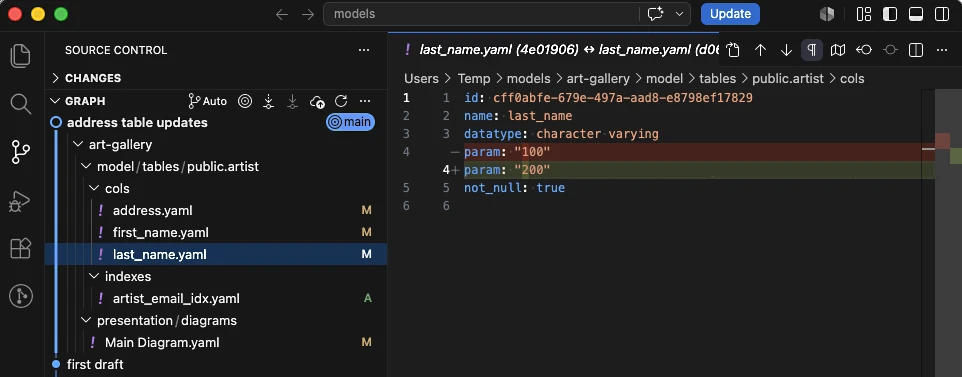
Save your data model as a folder of readable files for real data model collaboration: review schema changes as a Git diff, open pull requests, and keep merge conflicts scoped to one object.