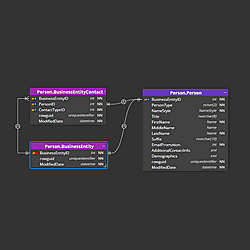
Team Collaboration with Git
Luna Modeler's folder-based format saves your model as a directory of small, human-readable YAML/JSON files instead of one all-in-one document — one file per table, per column, per relationship, per diagram. That's what makes real data model collaboration possible: drop the folder into Git, or any other version control system, and every commit shows a clean, reviewable diff of exactly what changed.
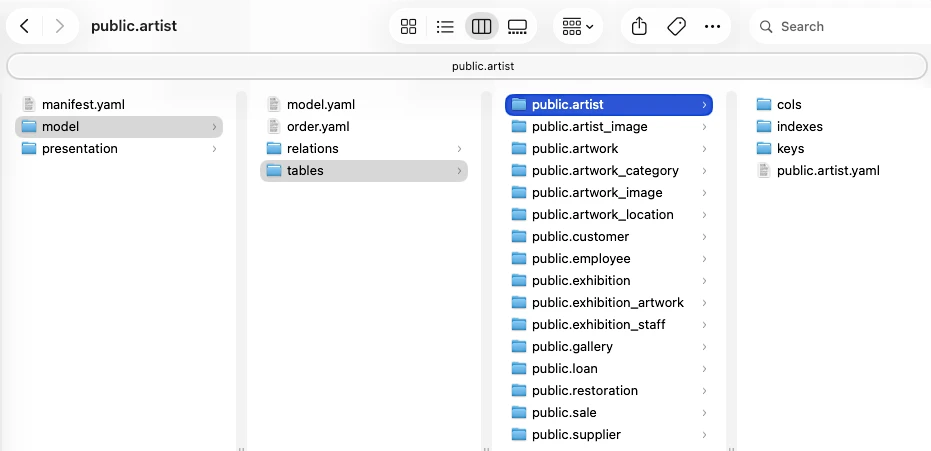
Readable diffs, one file per object
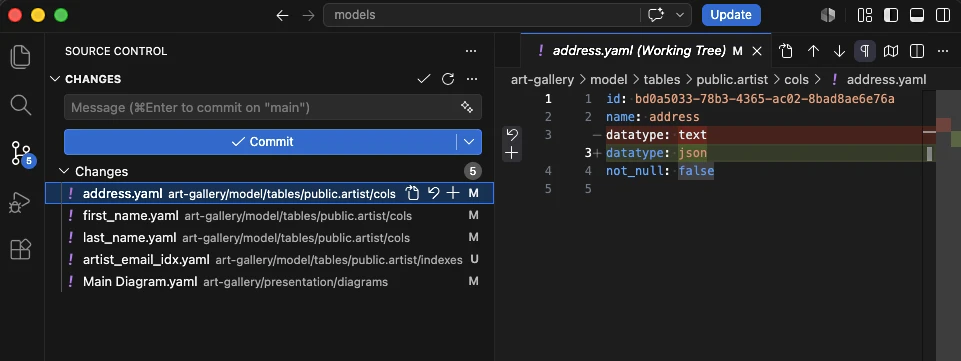
Add a table and one new file appears. Modify a column and one small file changes. The other tables in your model don't show up in the diff at all, because they weren't touched.
Real pull requests for schema changes
Because each object is its own file, a schema change opens as a normal pull request: a reviewer sees "3 tables added, 1 relationship changed," not a wall of unreadable binary noise. Comments, approvals and history work exactly the way they already do for code.
Scoped merge conflicts
Two people rarely touch the exact same table at once. Merge conflicts stay scoped to the one object that genuinely changed on both branches, instead of blocking the entire model on a single shared file.
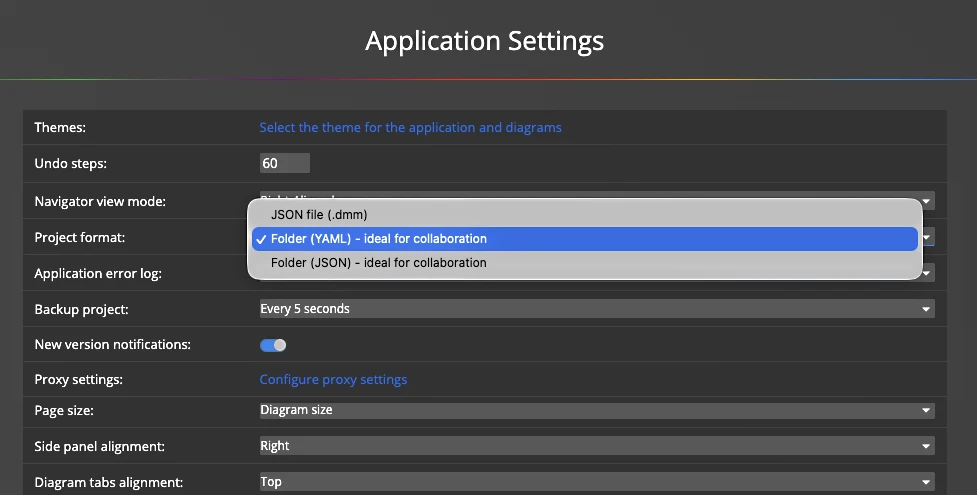
Switching to the folder-based format
- Switch your project to the folder-based format from the Ultimate Edition's save options, or export an existing model from the application menu.
- Commit the resulting folder to your Git repository, alongside the codebase it describes.
- Make a change — add a table, edit a column, adjust a relationship — and save again.
- Open a pull request and review the diff like any other change: only the touched files appear.
- Pull and reopen the folder in Luna Modeler to get the latest model, reproduced exactly, down to layout and object ids.
Pair the folder-based format with the headless CLI to regenerate documentation and diagrams automatically every time the model folder changes. For the full walkthrough, see the team collaboration solution page.
#