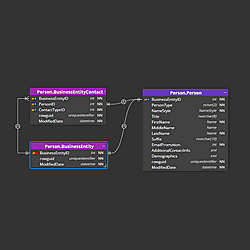
CLI Automation
Luna Modeler ships with a full headless CLI. Install the luna command once, then run the same operations you use in the GUI — reverse engineering, schema comparison, SQL generation, documentation and diagram export — directly from a terminal or a CI job, with no window ever opening.
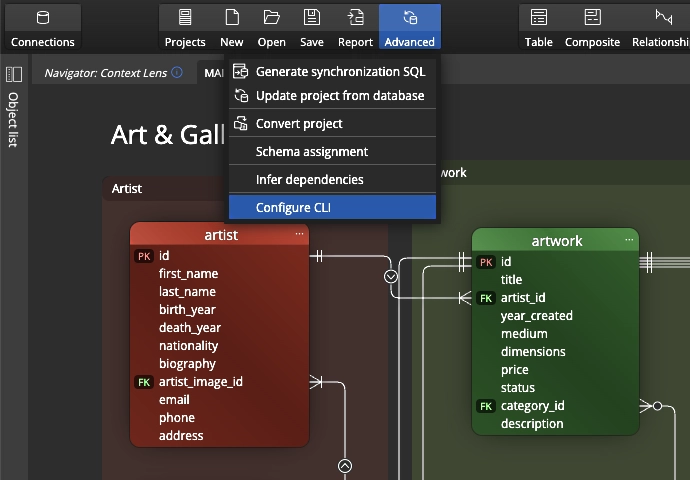
Detecting schema drift from the CLI
The CLI's compare command is the automated engine for catching schema drift before it reaches production: it reverse-engineers the target database, diffs it against your saved model, and reports every added, changed or missing object. Run it as a scheduled job, or as a gate in your release pipeline, and drift gets caught the moment it happens instead of by accident weeks later.
Chaining a full pipeline
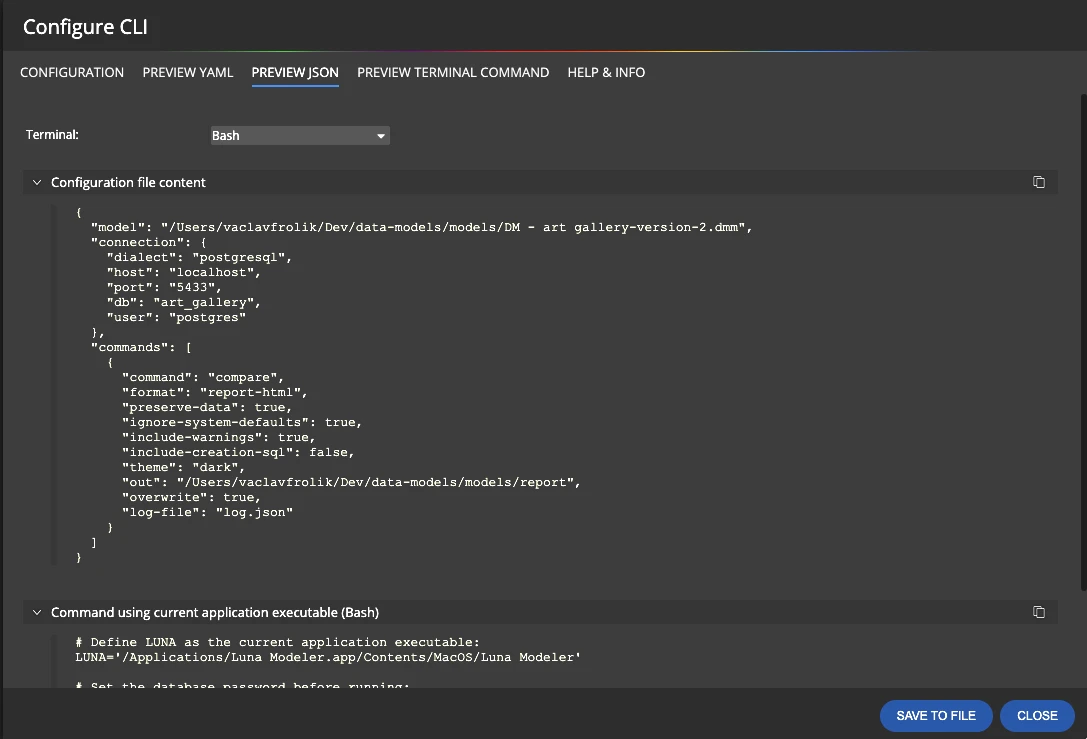
A single YAML or JSON configuration file can chain a whole release pipeline into one call: reverse the database, compare it against your design, generate the alter script, refresh the documentation, export the diagrams. One command runs every step in order and stops at the first failure, so a broken step can't silently pass as a success.
The configuration wizard
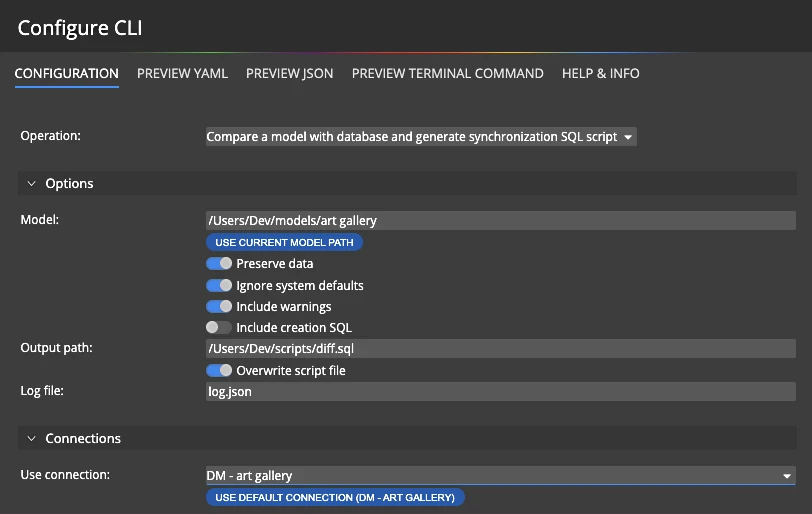
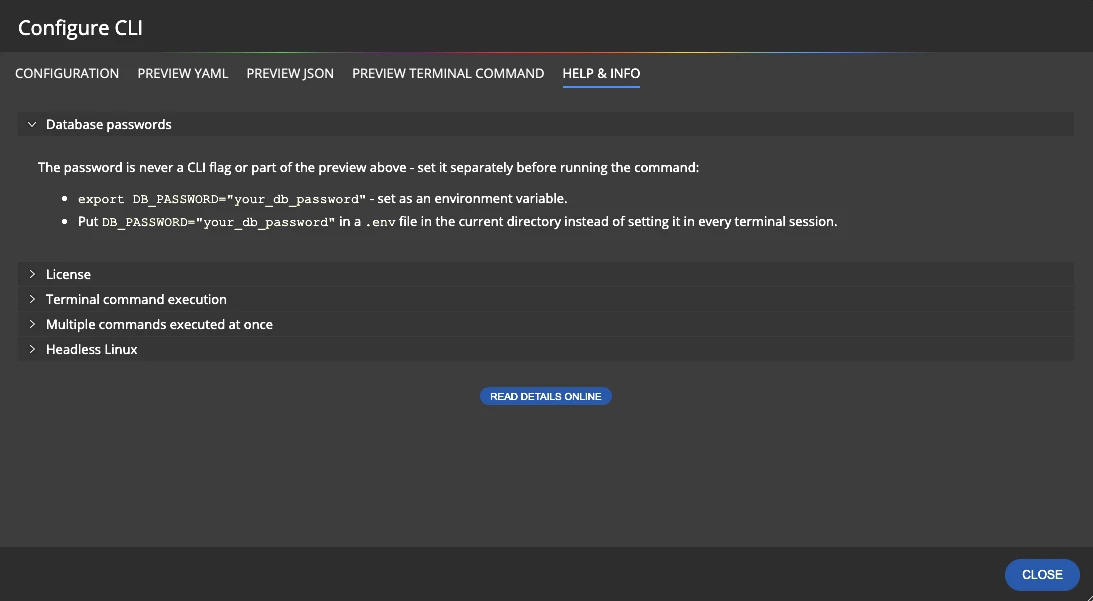
You don't need to hand-write YAML or JSON to get started. The built-in CLI configuration wizard walks you through the same choices in a simple form — which steps to run, which connection to use, where output should go, which theme to render with — and generates the pipeline file for you.
Running the CLI
- Open the configuration wizard and choose the steps you want: reverse, compare, sql, doc, png, pdf.
- Save the generated YAML or JSON pipeline file next to your data model.
- Keep secrets out of the file — supply the database password through an environment variable, not the config itself.
- Run
luna --headless --config pipeline.yamllocally, or add the same command as a step in your CI/CD job. - Check the exit code, or the optional structured result file, to gate the rest of your pipeline on success or failure.
For the full walkthrough — including how automated comparison reports and CI integration fit together — see the CLI automation solution page.
#