Meteor Modeler
Simple Visual Designer
for Sequelize ORM
- Supported ORM Features Sequelize Has & Belongs-To relationships, Data types
- Powerful SolutionData modeling, scripts generation, export to PDF
- Offline / Secure Your data never leaves your device
- Cross Platform
 Runs on Windows, macOS & Linux
 - Integration with Luna Modeler Copy/Paste to Import and Convert
- Free Version Available For smaller diagrams

with Meteor Modeler?
Sequelize modeling
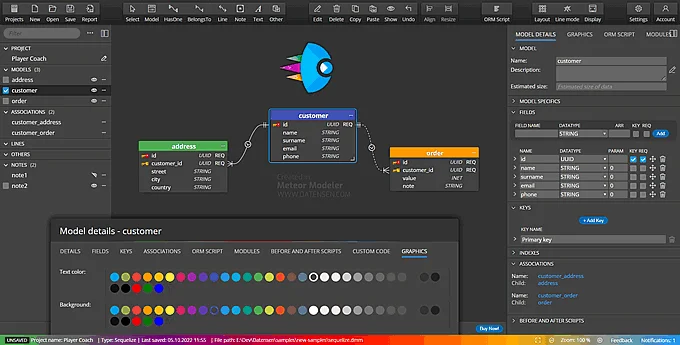
- Manage Sequelize structures in Projects
- Create Sequelize models graphically
- Specify fields, keys and indexes
- Define model and fields specifics
- Draw BelongsTo, BelongsToMany, HasOne and HasMany associations.
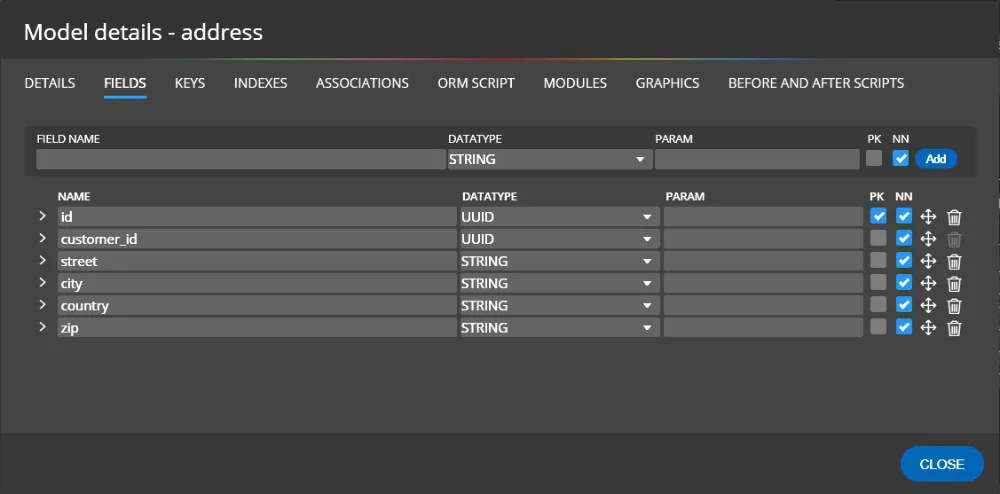
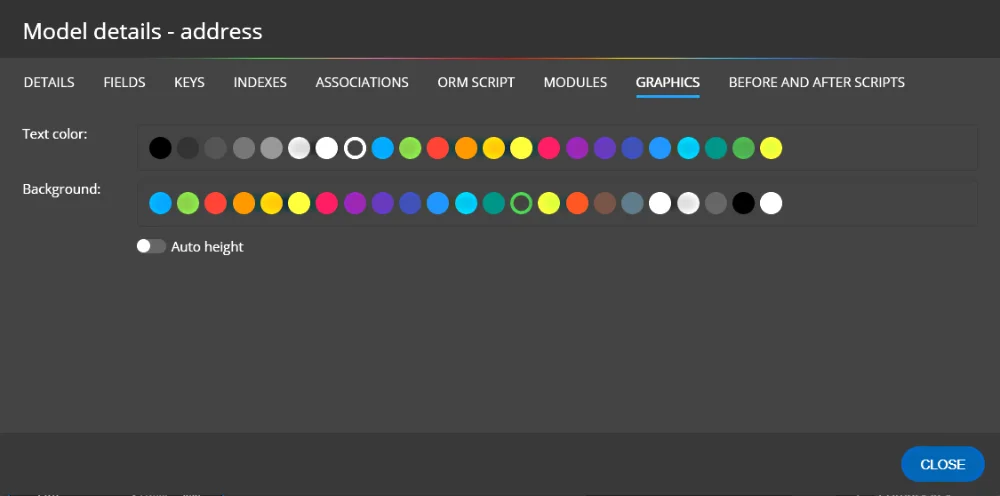
Diagram enhancements
- Colorize models
- Add notes in HTML format, include pictures
- Configure Default values for new models
- Add UUID fields to new models automatically
- Display metadata, sample data or descriptions
UI & Themes
- Always sharp vector based graphics
- Switch between LIGHT and DARK themes
- Use UNDO and revert changes comfortably
- Toggle basic/advanced line mode
- Show or hide side panels to maximize diagram area
- Zoom in, zoom out and reset UI zoom
Generate Sequelize code or write templates for custom scripts
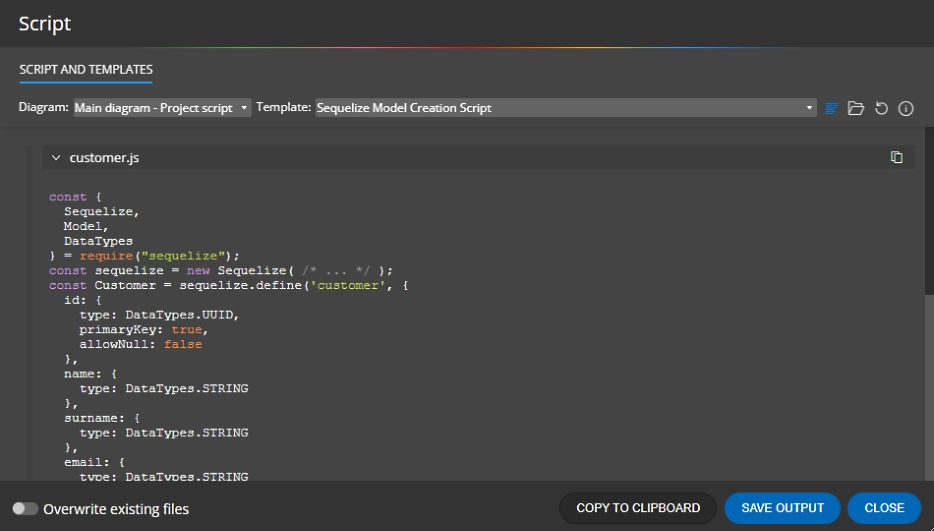
- Generate Sequelize scripts for a single model or the whole project
- Generate module scripts with Associations code
- You can also easily create custom scripts, CSV files or even UI components - it can all be done with custom templates
Import from existing databases
Creating a Sequelize schema from existing databases can be done thanks to the integration with Luna Modeler. The following workflow explains how to load existing databases and create a Sequelize project.
- Load existing database structure to Luna Modeler
- In Luna Modeler copy selected tables
- Run Meteor Modeler and create a new empty project
- Paste the selected object to your Sequelize project
- Objects will be converted to Sequelize automatically


- Free 14 days trial
- No credit card required
- Freeware version for smaller projects
One-Time Purchase
User-Based Perpetual Licenses
- Data Modeling + ER Diagrams
- Unlimited Projects, Unlimited Tables
- Export to PDF / PNG
- Custom Script Generation
- Flowcharts, Data Flow Diagrams
- User-based Perpetual License
- 12 Months Updates Included
- License for Multiple Devices
- All Basic Edition Features
- Open File from URL
- Ideal for educators, teachers, students
What is a Sequelize schema design tool?
A Sequelize schema design tool is software that lets you visually design and document Sequelize ORM models, associations, and field definitions without writing boilerplate code manually. Meteor Modeler lets you draw Sequelize model diagrams, define BelongsTo, HasOne, HasMany, and BelongsToMany associations graphically, and then automatically generate the corresponding Sequelize ORM scripts ready to use in your Node.js project.
Which Sequelize associations does Meteor Modeler support?
Meteor Modeler supports all four core Sequelize association types: BelongsTo, HasOne, HasMany, and BelongsToMany. You draw associations visually between models on the diagram canvas, and Meteor Modeler generates the correct Sequelize association code including join tables for many-to-many relationships.
Is there a free version of Meteor Modeler?
Yes. Meteor Modeler includes a freeware version for smaller projects with no time limit. For larger projects, a paid Basic Edition is available as a one-time purchase. There is also a 14-day free trial of the full edition, with no credit card or account required to download.
How does Meteor Modeler integrate with Luna Modeler?
Meteor Modeler integrates with Luna Modeler via copy-and-paste. Open an existing relational database in Luna Modeler, copy the tables you want, then paste them into a new Meteor Modeler project. The objects are automatically converted to Sequelize models — fields, data types, and relationships are mapped across — so you can generate Sequelize code from an existing SQL database schema without manual rewriting.
What scripts can Meteor Modeler generate?
Meteor Modeler generates Sequelize ORM scripts (model definitions with fields, data types, validations, and options) and Sequelize Module scripts (which include the association code linking models together). You can generate scripts for a single selected model or for the entire project at once. Custom templates are also supported, letting you generate any text-based output — code snippets, CSV files, UI components — from your Sequelize model definitions.