Luna ModelerDocument a Legacy Database
- Reverse engineering Read an existing database into a diagram
- Instant ER diagram See tables and relationships right away
- Notes and subject areas Record what you learn as you go
- HTML, image and PDF Produce documentation others can read
The problem: a database with no map
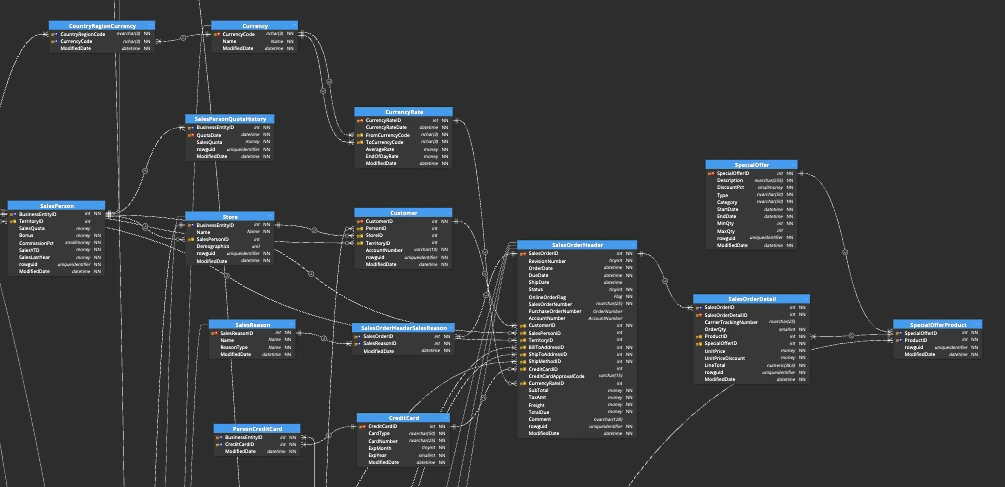
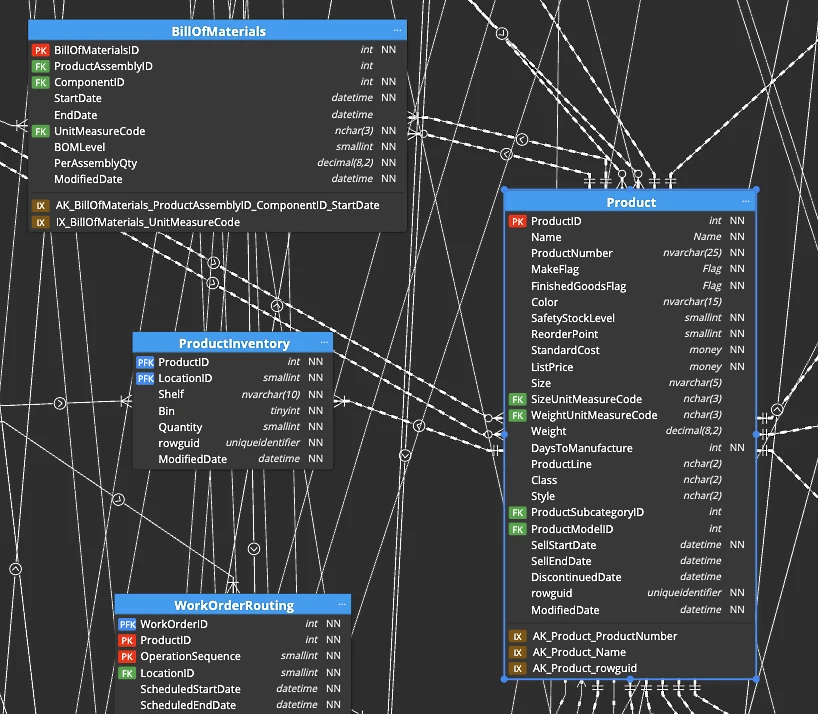
You join a project and inherit a database. It has hundreds of tables, cryptic names and no documentation at all. The person who built it left long ago. So every task starts with the same question: what is in here, and how does it connect?
A legacy database like this is a database you must keep running even though almost nobody understands it. Without a map, even a small change feels risky.
The pain point: every change is a gamble
Because nothing is written down, you learn the database by trial and error. You run queries to see what a table holds. You trace a foreign key by hand. You ask around and hope someone remembers. This takes days, and the knowledge still lives only in your head.
Then a deadline arrives and you change a table you do not fully understand. So a small edit breaks a report somewhere else, and the firefighting begins.
How Luna Modeler helps you document it
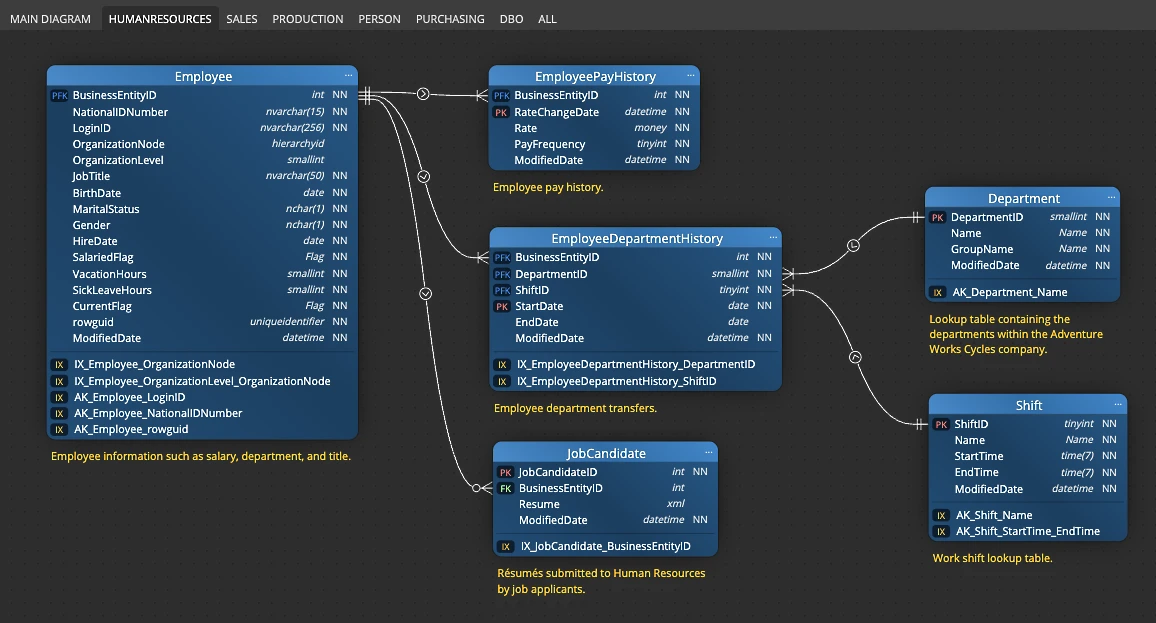
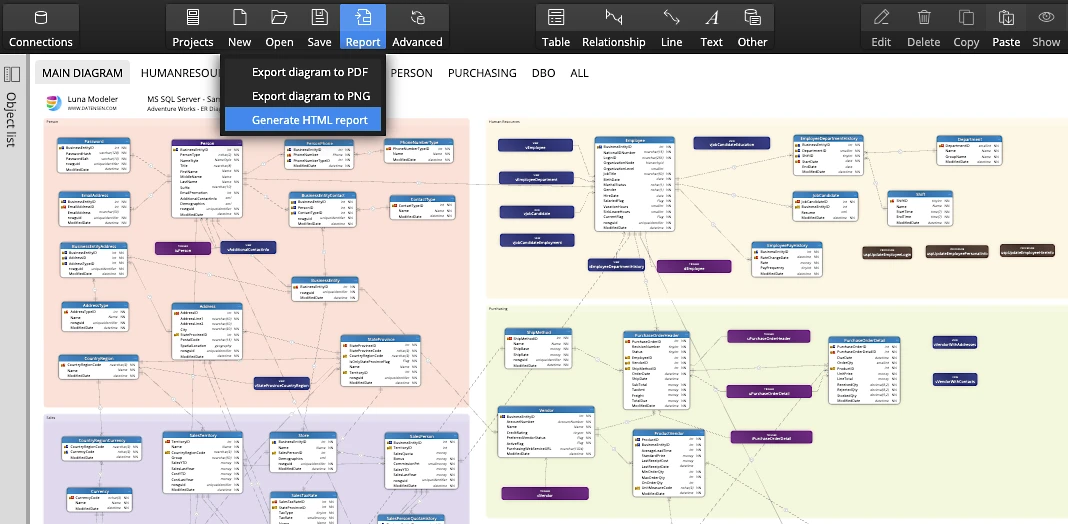
Luna Modeler turns the unknown database into a picture you can read. You connect to the database, and the tool reverse engineers it, which means it reads the existing structure and draws an ER diagram for you. Tables, columns and relationships appear right away.
From there you explore the diagram instead of the raw schema. As you work out what a table is for, you write a note on it. So the diagram fills with meaning while you learn.
The workflow, step by step
A clear plan turns a scary database into readable documentation:
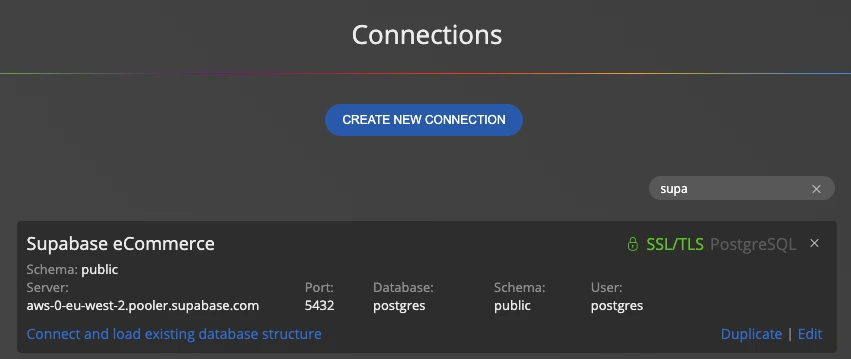
- Connect Luna Modeler to the database and reverse engineer the structure.
- Scan the generated diagram to find the core tables that most others link to.
- Group related tables into subject areas, for example billing or users.
- Annotate each table with a short note as you work out its purpose.
- Tidy the layout so the relationships are easy to follow.
- Export the result to an HTML report, an image or a PDF.
After a few passes, the diagram becomes the map the project never had.
What you get at the end
The output is real database documentation. You hold an ER diagram that shows every table and link, notes that explain what each part does, and subject areas that break the system into pieces people can understand.
You can export it to an HTML report, an image or a PDF and share it with the whole team. So the next person who inherits this database starts with a map, not a mystery.
Documentation goes further when you record data governance and data lineage on the same diagram, then re-run a database schema drift check so the docs never fall behind the database.
Download the free trial, connect to your database, and draw your first diagram in minutes.
- Free 14 days trial
- No credit card required
Database documentation is a clear record of what a database contains and how its parts fit together. It usually includes an ER diagram of the tables and relationships, plus notes that explain what each part is for.
Start by reverse engineering it. Luna Modeler reads the existing structure and draws it as an ER diagram, so you can explore the tables, group them into subject areas, and add notes as you learn what they mean.
Reverse engineering means reading an existing database and turning its structure into a diagram. Luna Modeler connects to the database and draws its tables, columns and relationships for you automatically.
Yes. You can write notes on each table, add captions, and group related tables into subject areas, so the meaning you discover stays attached to the diagram.
You can export the finished model to an HTML report, an image or a PDF, so the rest of the team can read it without opening the database.