Luna ModelerMore Than an ER Diagram
- Design and redesign Build models you keep and refine over time
- Reverse and forward Read databases and generate SQL scripts
- Compare and sync Find differences and apply them safely
- Works offline A desktop tool, no live connection needed
First, what is data modeling?
Data modeling is the work of designing how your data is structured, then keeping that design clear and current as the project grows. An ER diagram is the picture you produce along the way. So the diagram is part of data modeling, but it is not the whole job.
The full job also covers reading an existing database, enriching it with extra information, documenting it, generating the SQL to build it, and comparing the design against what really runs in production.
The problem: an ERD only shows the current state
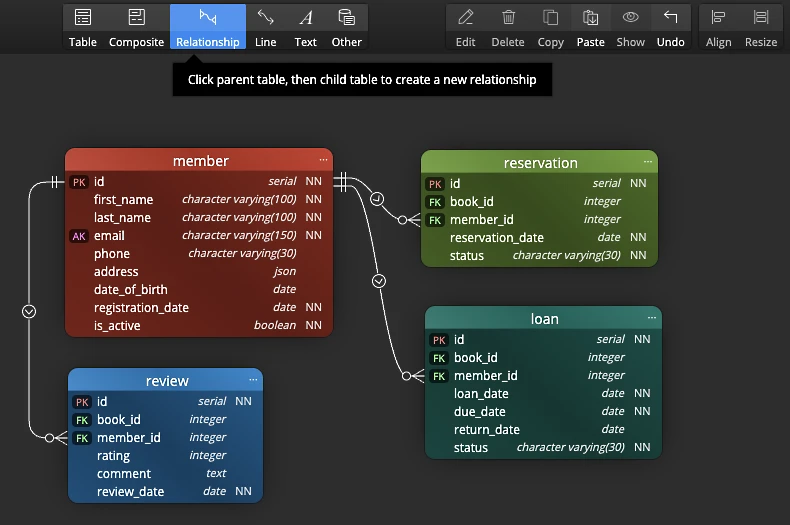
Many IDE and database tools offer a quick ERD feature. You point it at a database and it draws a diagram. That diagram is a snapshot of the current database state, nothing more. It mirrors the tables that exist right now, so it is handy for a first look, but you cannot use it to plan what comes next.
With ERD from IDE tools, you usually cannot add a new table that does not exist yet, sketch a relationship you are still thinking about, or test a change before it goes live. The ERD reflects the database, but the database leads and the picture only follows. So the moment the schema changes, the diagram is out of date again.
The pain point: design work that does not last
A throwaway ERD has real costs. You redo the same diagram over and over. Your design ideas live in screenshots that nobody can edit. When the database changes, the picture is wrong, and nobody updates it because updating it is too much effort.
As a result, the design knowledge never builds up. Each project starts cold, and the team keeps paying the same setup cost again and again.
How a data model goes further
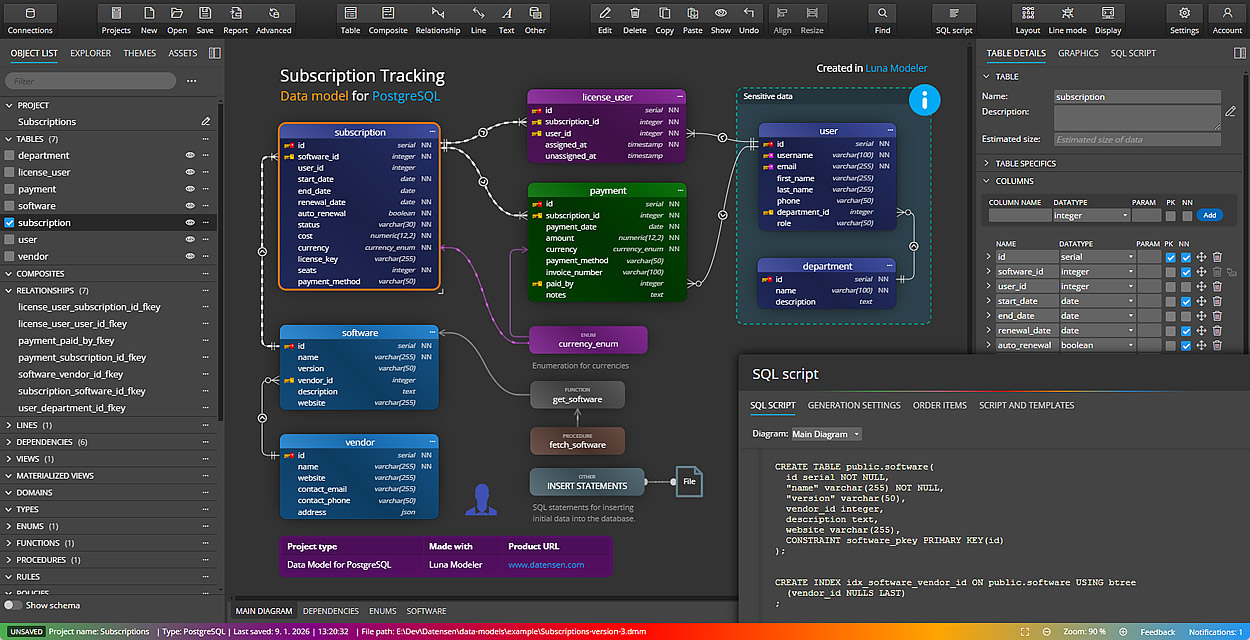
A data model leads instead of follows. In Luna Modeler you add new tables and columns that do not exist yet, draw new relationships, and shape a design on the canvas first. Then, once the design is ready, you generate a SQL script to deploy the changes to the database. So you decide what the schema should become, rather than only recording what it already is.
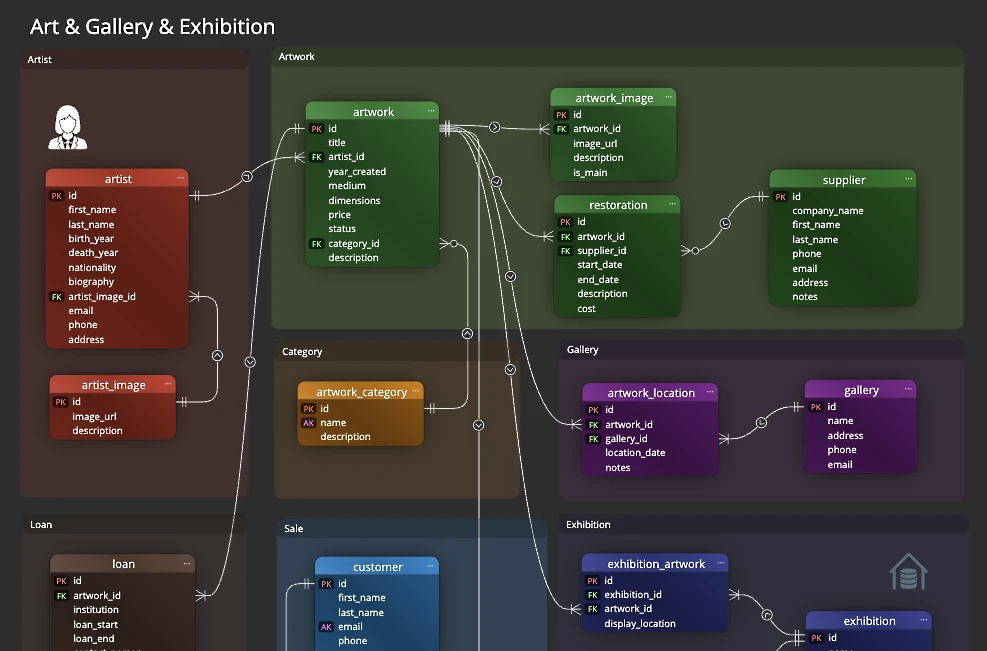
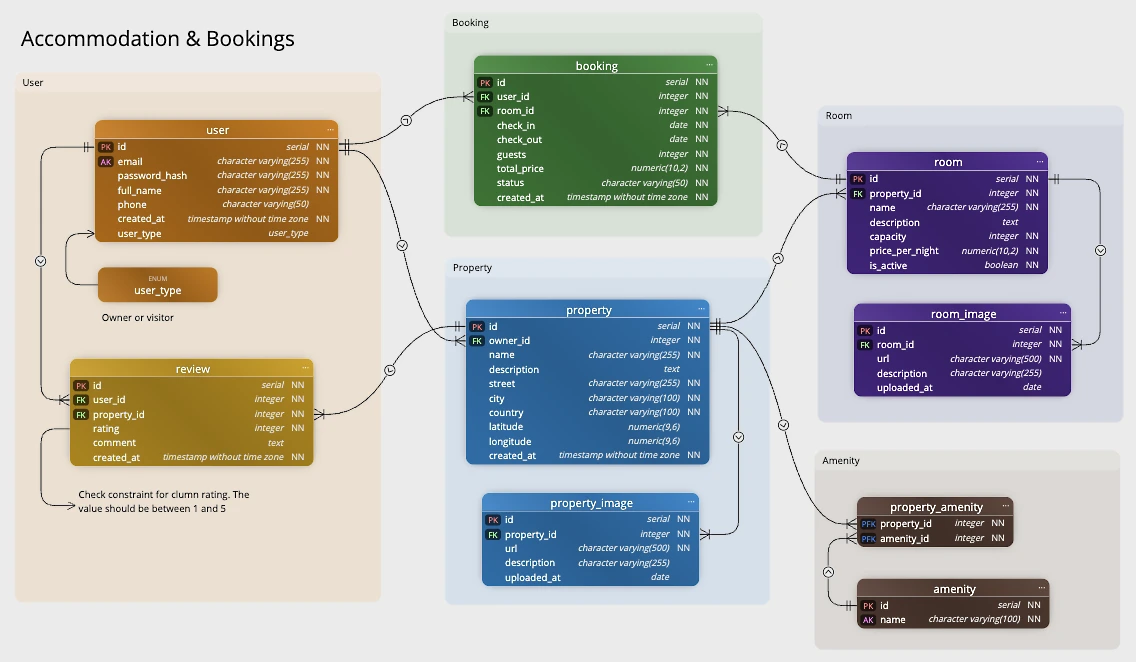
A data model also holds far more than tables and keys. You can split a large model into sub-diagrams, so each view stays readable. You can group related tables into subject areas, such as billing or users. And you can add logical information that a plain ERD has no room for: notes, captions, lines and graphics that explain the design to the people who read it.
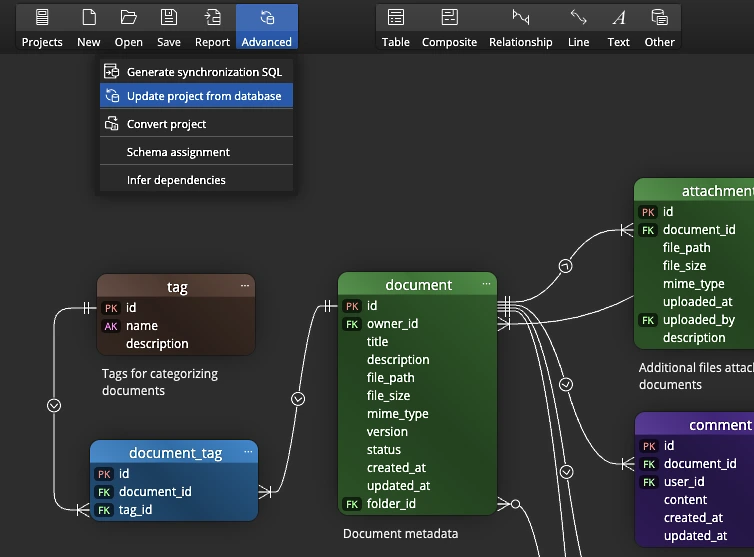
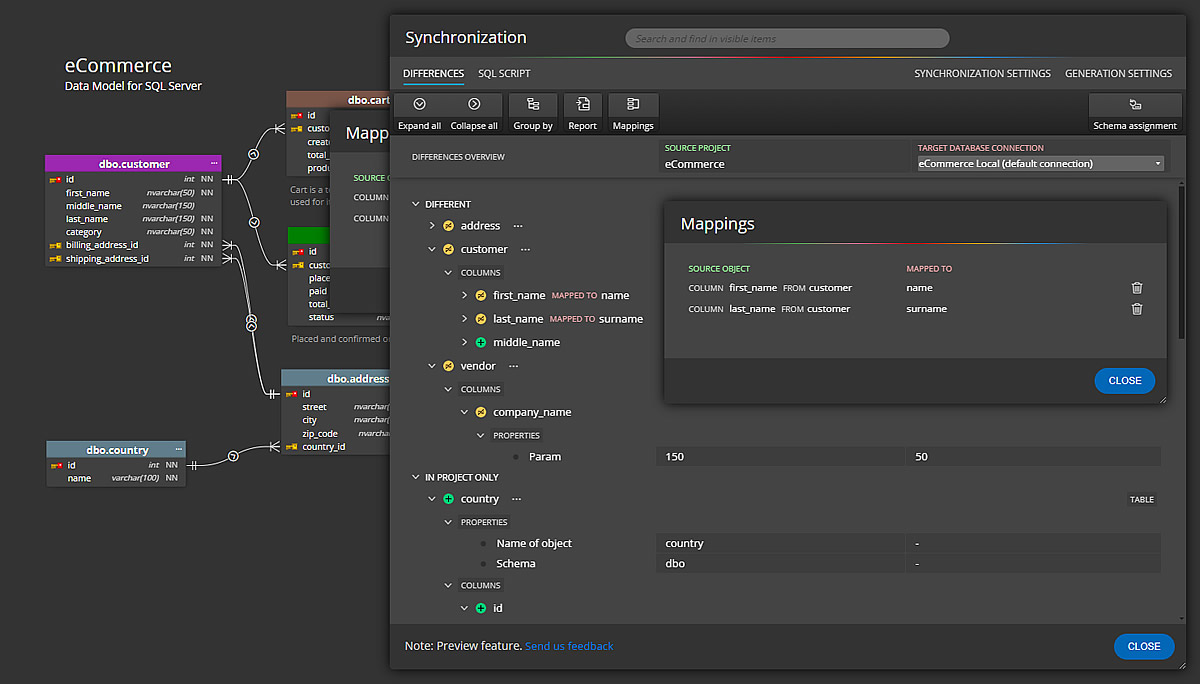
You also reverse engineer a live database when you need a starting point, compare a saved model against a running database to catch schema drift, and apply the differences safely. And because it runs offline on your desktop, you can model without a live connection and store your work in version control.
The workflow, step by step
Offline data modeling follows a loop you can repeat for the life of the database:
- Design a data model, or reverse engineer an existing database into a diagram.
- Refine the structure, add notes, and group tables into subject areas, create sub-diagrams.
- Generate the SQL script to create or update the database.
- Compare the model against the live database when things change.
- Sync the differences, then save the model as the current design.
- Store the project file in version control next to your code.
Because the model is saved, each pass builds on the last instead of starting over.
What you get at the end
The output is a data model that lasts. You hold a saved project you can reopen and refine, SQL scripts that build or update the database, and reports you can share in HTML, image or PDF form.
Unlike a throwaway ERD, this data model grows with the database. So the design knowledge stays in the team, and the next change starts from a clear, current picture.
From this base the model carries far more than tables: map data lineage, document data governance, or add flowchart and data flow elements to the same diagram.
Download the free trial, design or reverse engineer a model, and generate your first SQL script in minutes.
- Free 14 days trial
- No credit card required
Data modeling is the work of designing how your data is structured and keeping that design clear and current as the project grows. An ER diagram is one output of data modeling, but the work also covers documenting, generating SQL, comparing and updating the design.
An ER diagram from an IDE tool is a snapshot of the current database state. A data model lets you design forward: add new tables and relationships that do not exist yet, then deploy the changes when they are ready. It also supports sub-diagrams, subject areas, notes and graphics that a plain ERD cannot hold.
An IDE ERD feature is good for a quick look, but the picture is usually throwaway. A dedicated tool saves the model as a reusable project, generates clean SQL, supports comparison and sync, and produces documentation you can share.
Offline data modeling means you design on your desktop without needing a live database connection. You can work on the model anywhere and store the project file in version control next to your code.
Yes. Luna Modeler reads an existing database into a diagram, and it generates SQL scripts from a model to create or update a database, so you can work in both directions.