Merit Modeler Free Use Case Diagram Tool
- Actors and use cases The elements are on the assets panel, ready to drag
- System boundary Show what is inside the system and what is outside it
- Free, not a trial No licence to buy
- Works offline Windows, macOS and Linux - projects stay local
agree on who it is for and what it must do.
The problem: requirements written as prose hide the gaps
A requirements document says the system will let users manage their orders. Two developers read it and picture different systems. Does a customer cancel an order, or does support do it? Can a warehouse user see prices? Prose is good at sounding complete and bad at showing what is missing.
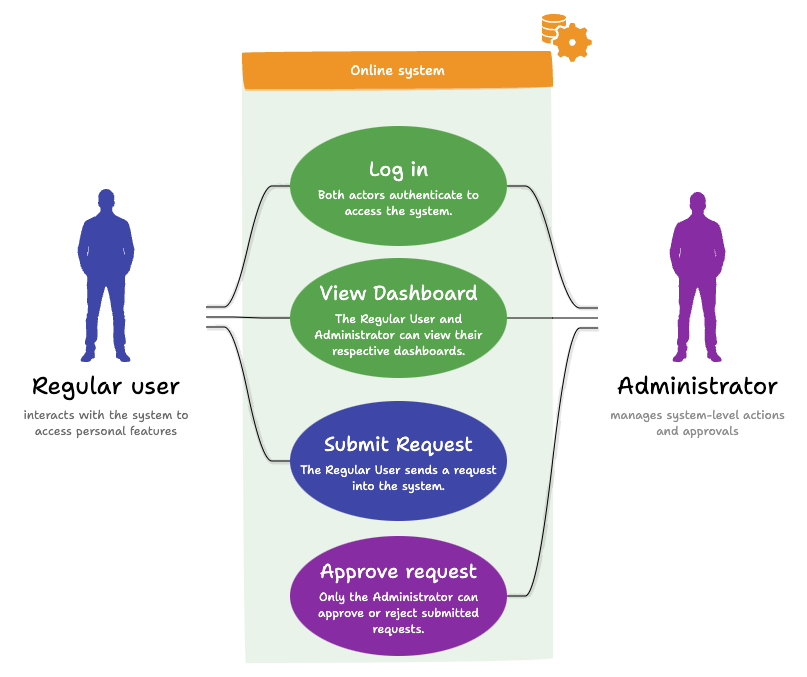
A use case diagram forces the question into the open. Every actor is drawn, every use case is drawn, and every line between them is a claim someone has to confirm. The gaps become visible because they are the places with no line.
The pain point: a diagram nobody can edit
Use case diagrams are usually drawn once, at the start, by whoever had a licence for the modelling suite that week. The picture ends up as a PNG in a document. When scope changes - and it always does - the picture does not, because reopening it means finding the original file and the tool that made it.
A free desktop tool removes both obstacles. Everyone on the team can install it, the project is an ordinary file in the repository beside the code, and updating the diagram takes a minute rather than a request.
How Merit Modeler solves it
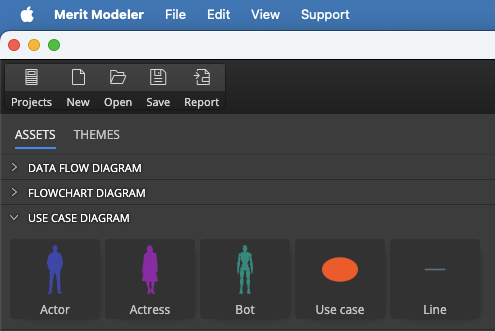
Merit Modeler carries the use case elements - actor, use case, association and system boundary - on its assets panel, so the diagram uses the notation a reviewer expects instead of improvised shapes.
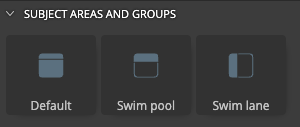
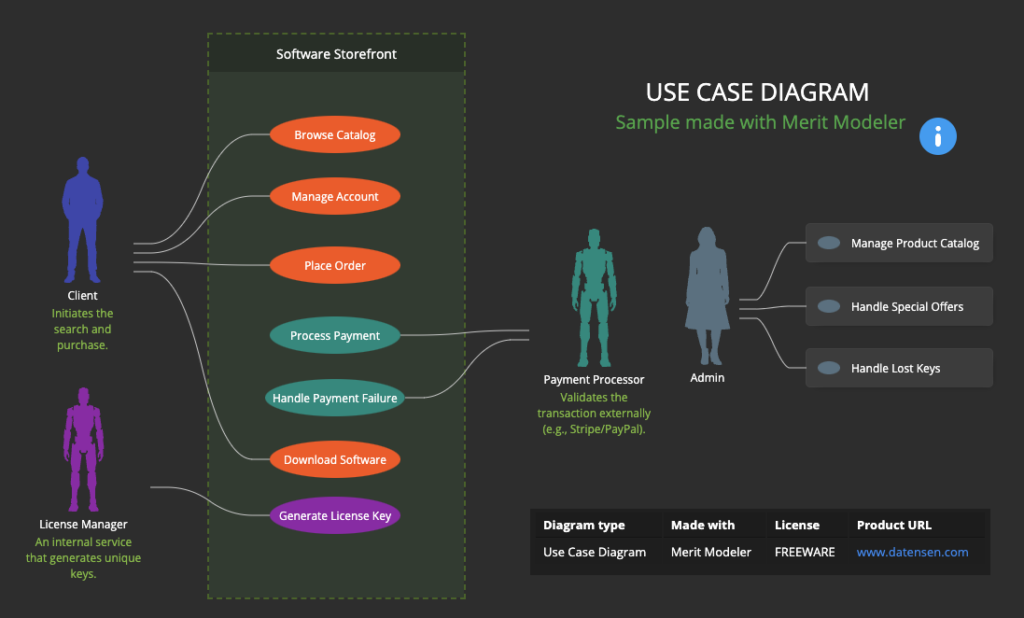
The system boundary is the part teams most often skip and most often need. Drawing the box around the use cases your system owns makes the outside world explicit: the payment provider, the warehouse system and the email service are actors, not features you are signing up to build.
Notes with Markdown support carry the acceptance criteria or the open question attached to a use case, so the diagram stays a working document rather than a picture.
The workflow, step by step
Five steps take a use case diagram from blank canvas to review:
- List the actors first - every person, role or external system that interacts with yours.
- Add one use case per goal an actor wants to achieve, named as a verb phrase.
- Draw the system boundary around the use cases you are responsible for.
- Connect each actor to the use cases it takes part in.
- Attach notes where a use case needs detail, then export for review.
Name use cases from the actor's point of view - "track a shipment", not "shipment tracking module". The first phrasing can be confirmed by the person who wants it; the second cannot.
A worked example is in the guide on building a use case diagram in Merit Modeler.
What you get out
An image or PDF for the specification, and a project file that anyone on the team can open and change when scope moves. Because the file sits on disk, it can live in version control next to the code it describes.
Use case diagrams pair well with the other two types Merit Modeler draws: flowcharts for the steps inside a use case, and data flow diagrams for the data those steps move.
Next comes the data. Once the use cases are agreed, the tables behind them need designing. Luna Modeler handles SQL databases and generates the DDL, and Moon Modeler covers MongoDB and noSQL.
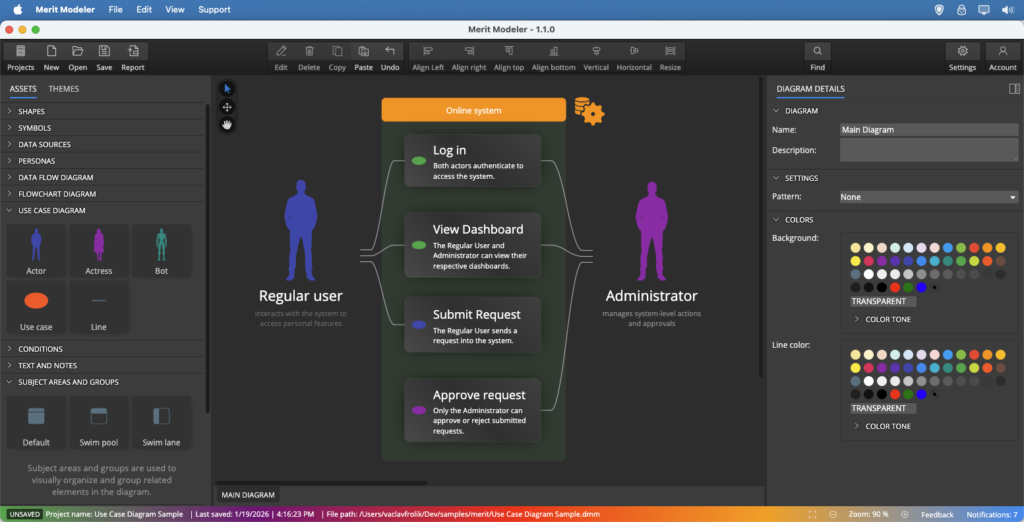
A use case diagram shows who uses a system and what they use it for. Actors are the people, roles or external systems that interact with it, use cases are the goals they want to achieve, and a system boundary marks what the system itself is responsible for.
Yes. Merit Modeler is freeware with no licence to buy, on Windows, macOS and Linux. Everyone on a team can install it, so the diagram is not locked behind one person's licence.
The elements a use case diagram needs are included: actors, use cases, associations and the system boundary. Merit Modeler is a diagramming tool rather than a full UML modelling suite, so it covers the use case notation, not every UML diagram type.
The boundary makes the scope explicit. Everything inside it is yours to build; the actors outside it are systems and people you integrate with. Teams that skip the boundary tend to argue later about what was in scope.
Yes. Projects are ordinary files on your disk, so a use case diagram can sit in the repository beside the code it describes and change through the same review process.