Luna Modeler offers optional support for PostGIS core features.
In the project settings, you can enable or disable support for the PostGIS database extension.
Project properties
To view the Project settings, click the project name in the Object List.
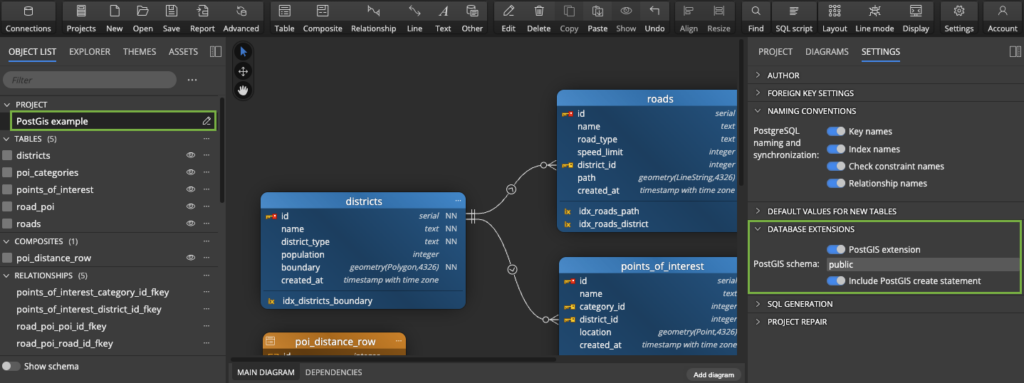
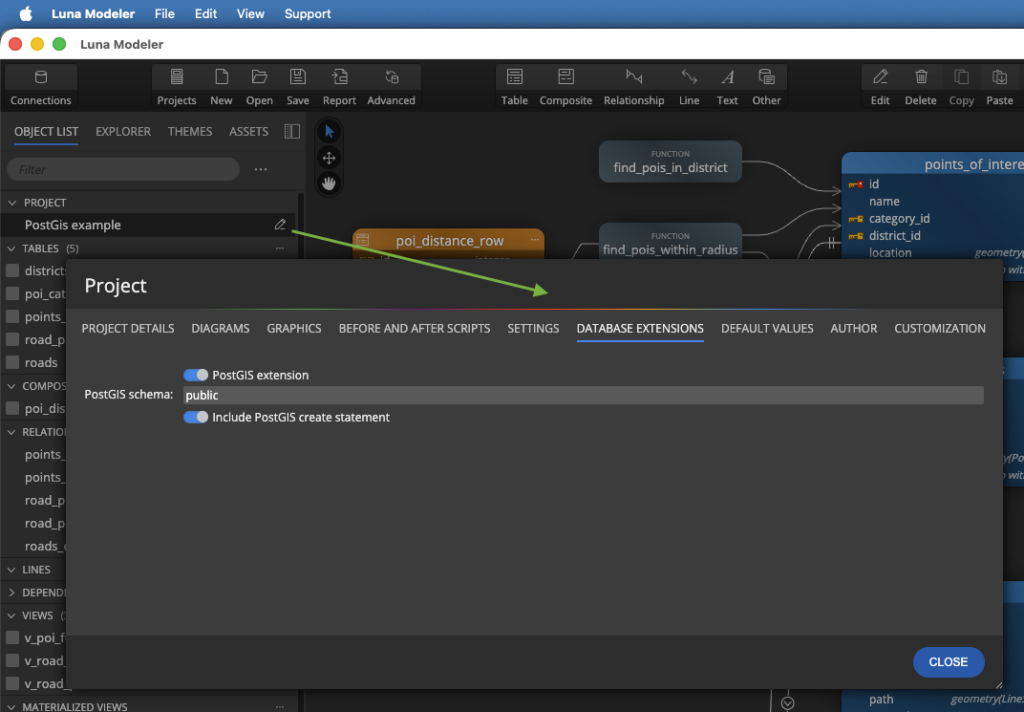
Alternatively, edit the project properties on a modal form. Click the Edit icon to open it.
Advanced Geospatial Modeling with PostGIS
By default, this feature is enabled, which means you can:
- Automatically include the
CREATE EXTENSION IF NOT EXISTS postgis;statement in your generated SQL scripts with a single click. - Define the PostGIS schema.
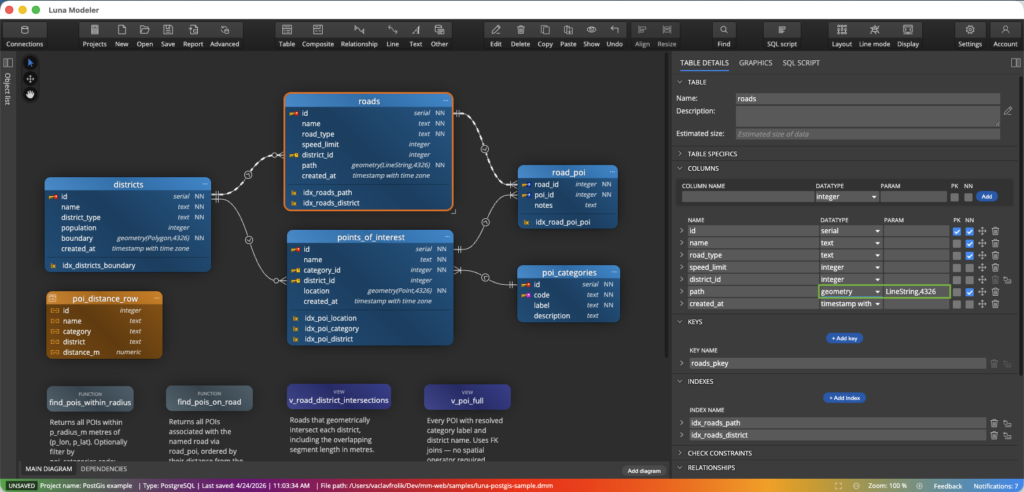
- Effortlessly map
GEOMETRY,GEOGRAPHY, and other PostGIS-specific data types directly in your diagrams.
These data types are available in Luna Modeler if the PostGIS extension is enabled:
- box2d
- box2df
- box3d
- geography
- geometry
- geometry_dump
- gidx
- spheroid
- valid_detail
Dependencies
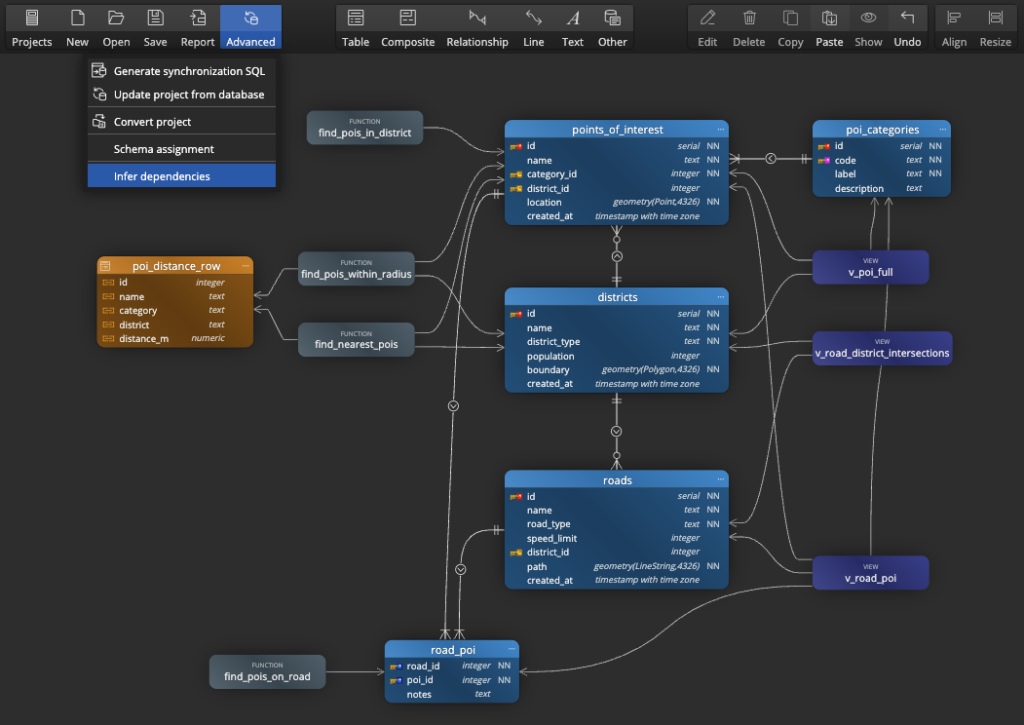
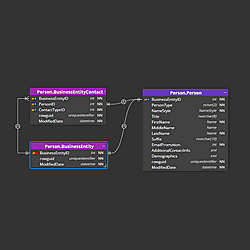
Luna Modeler also allows you to detect dependencies and display them in a diagram. For models that support PostGIS, the types and other objects of the PostGIS extension are taken into account, ensuring that dependencies are displayed correctly.
Related articles
- How to Easily Set Up Postgres with Docker and Work with Your Database – Using Visual Tools Only
- Easy Steps to Connect to Supabase and Visualize Your Database with Luna Modeler
- Designing a Sports Tournament Data Model for PostgreSQL
#
 Luna Modeler
 Moon Modeler
 Galaxy Modeler
 Merit Modeler
 Meteor Modeler