What’s new in
Moon Modeler version 12
This page was updated on January 14th
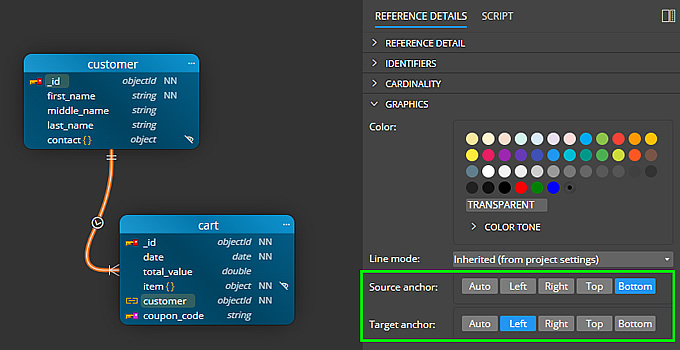
Better Control over References and Simple Lines
- Now you can choose which side to anchor the reference line or simple line
- For detailed or basic line mode, there are appropriate options for anchoring lines.
- The line color can be selected separately for each sub-diagram.
Multi-Line Scenario Enhancements
- We have improved the rendering of multiple self-references.
- All lines leading to the same object are handled together, and the shortest anchor point is automatically selected.
- If the lines lead to the same field of the collection, they will be evenly distributed. This will help with clarity and identification of the lines.

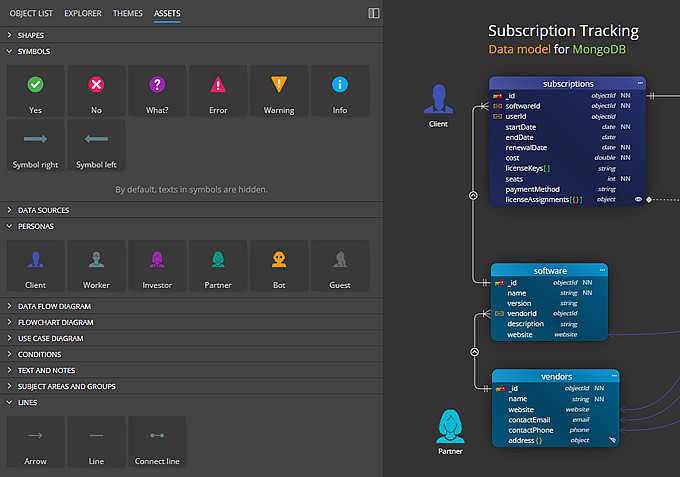
Predefined Graphics in Assets Panel
You can now add symbols and predefined graphic objects to diagrams. Easily create professional Data Flow diagrams within your project, add Flowcharts, or enrich data models with additional information.
Asset Visualizations and Documentation
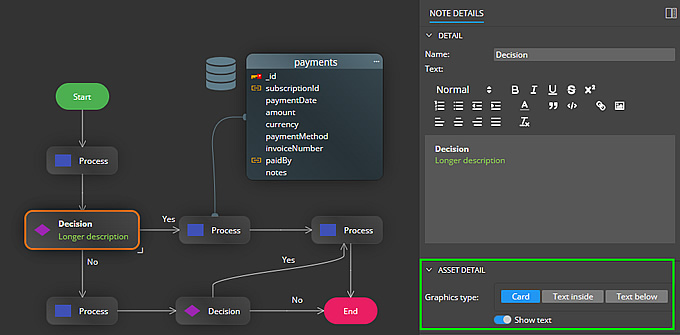
- Most objects added from the Assets panel can be displayed as Graphics or as Cards.
- Such objects are also included in generated HTML reports.

Subject Areas, Swim Pools and Swim Lanes
To improve visualization, we have added new elements such as Swim Pool and Swim Lane. Work with these objects in the same way as with Subject Area. The only difference is in the visualization. You also have the option to set the color and style of the border.
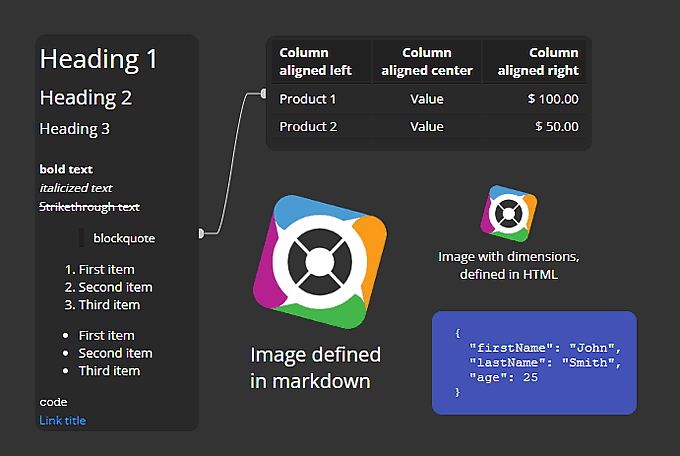
Markdown Notes
In addition to classic texts and notes, you can add Markdown notes to the diagram, which support classic markdown and some HTML elements. This makes it easy to create a table, list, or add an image with a specific size.
Other improvements
Version 12
- UI – Move selected objects using arrow keys
- Updated template for Mongoose ODM output
- Updated components to newer versions
Download
Moon Modeler
Moon Modeler for MongoDB and Mongoose is available for Windows, Linux and MacOS.
Trial version expires 14 days after installation.
Purchase
Moon Modeler
Perpetual License – One Time Purchase
Enjoy 12 months of free updates on us!
 Luna Modeler
 Moon Modeler
 Galaxy Modeler
 Merit Modeler
 Meteor Modeler


