What’s new in
Galaxy Modeler version 12 & 12.5
This page was updated on March 29th
Performance Improvements
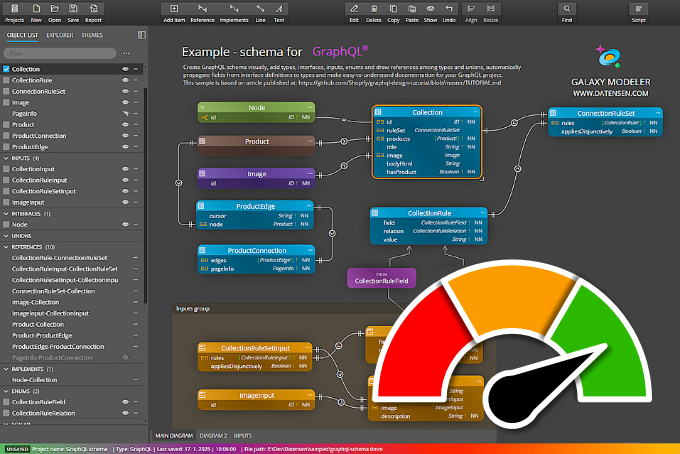
We’ve upgraded to the latest versions of the tech frameworks we use, sped up certain actions and batch operations, and refined the caching and rendering systems. This shows how we’re dedicated to making sure the app is always up to date, easy to use, fast and stable.
UI/UX Enhancements
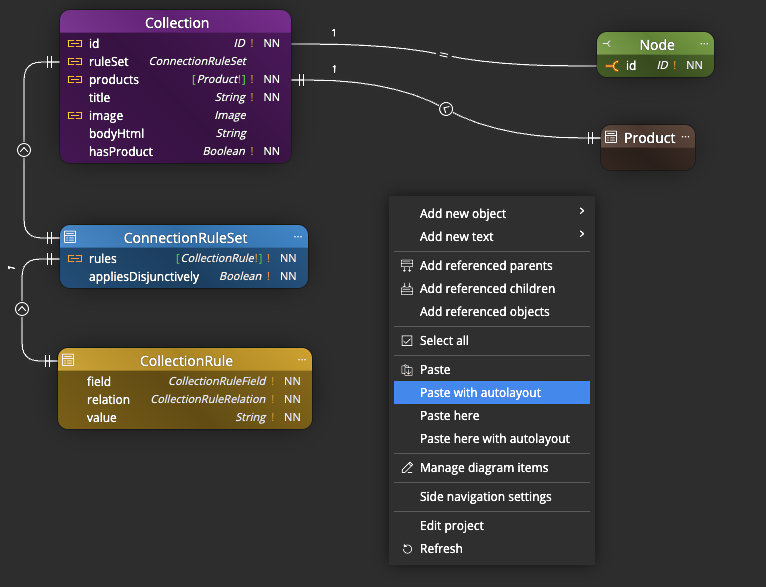
- We’ve improved how Copy/Paste operations work. You now have access to the standard Paste option, as well as Paste with autolayout, Paste here, and Paste here with autolayout via the context menu. This gives you more control over how objects are placed and helps you avoid having to rearrange them manually.
- Objects added to a sub-diagram will be inserted with their default colors and placed in available space using autolayout.
- If there are multiple lines leading to an object, the connectors are spaced further apart, which improves readability.
Application Settings
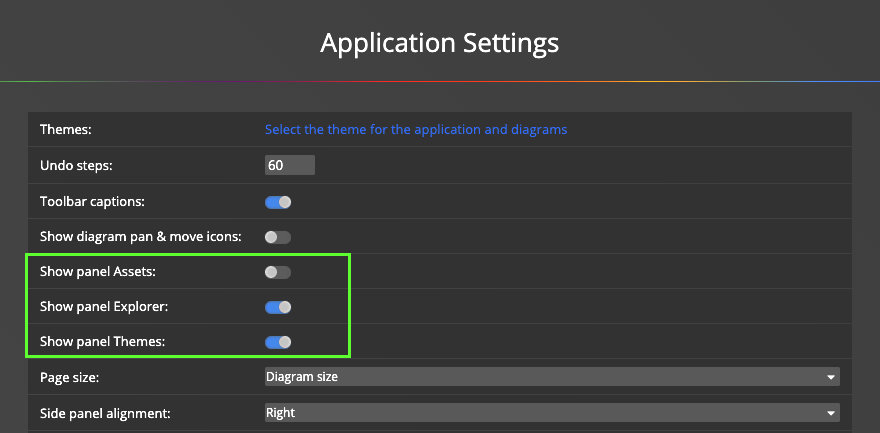
You can now turn on or off the panels displayed on the left side. This allows you to easily turn off the theme selection panel or hide or show the Assets panel. If you want to add flowchart or data flow diagram elements to your diagram, you can easily turn on the Assets panel and conveniently insert additional objects into your diagrams.
What’s new in version 12
Markdown Notes
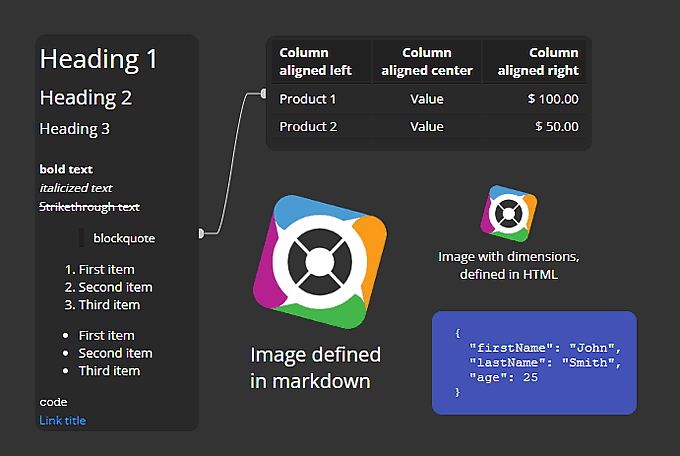
In addition to classic texts and notes, you can add Markdown notes to the diagram, which support classic markdown and some HTML elements. This makes it easy to create a table, list, or add an image with a specific size.

Better Control over References and Simple Lines
- You can leave the connection side set to Auto or manually select which side of the object the line should be anchored to.
- You can also control the rendering of simple lines among objects on your diagrams.
- You can set the line color for each sub-diagram separately.
Multi-Line Scenario Enhancements
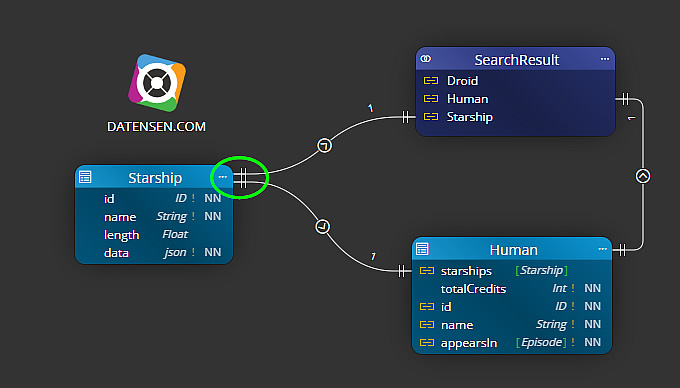
- All lines leading to the same object are handled together, and the shortest anchor point is automatically selected.
- If the lines lead to the same column of the table, they will be evenly distributed. This will help with clarity and identification of the lines.
Predefined Graphics in Assets Panel
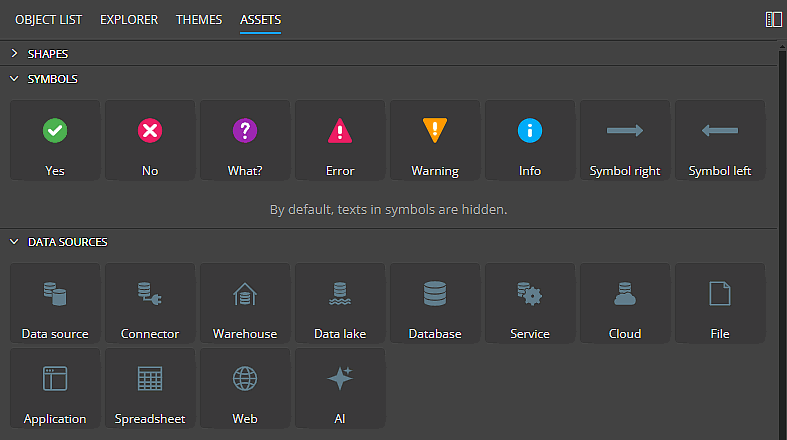
You can now add symbols and predefined graphic objects to diagrams. Easily create professional Data Flow diagrams within your project, add Flowcharts, or enrich schema designs with additional information.
Asset Visualizations and Documentation
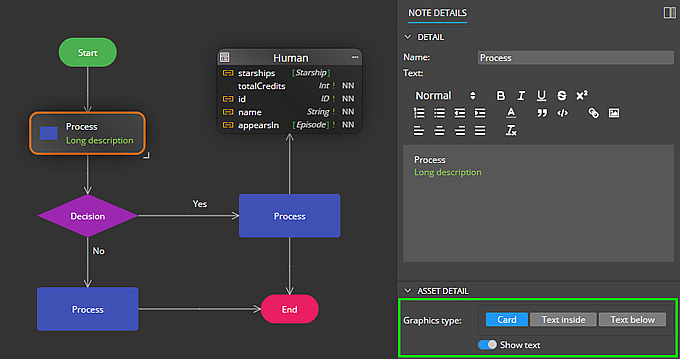
- Most objects added from the Assets panel can be displayed as Graphics or as Cards.
- Such objects are also included in generated HTML reports.
Subject Areas, Swim Pools and Swim Lanes
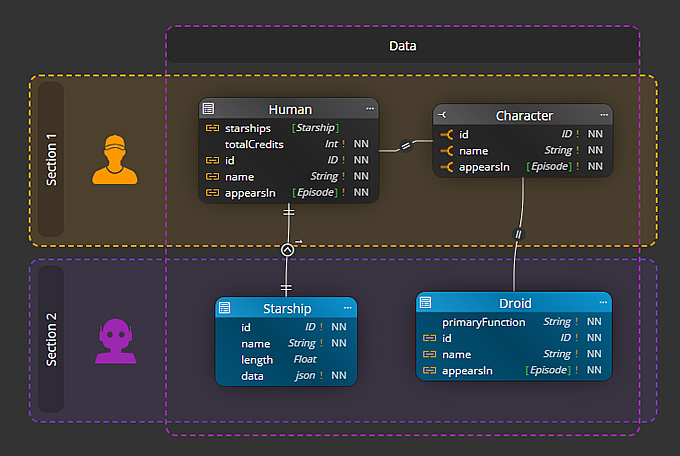
To improve visualization, we have added new elements such as Swim Pool and Swim Lane. Work with these objects in the same way as with Subject Area. The only difference is in the visualization. You also have the option to set the color and style of the border.
Other improvements
Version 12
- UI – Move selected objects using arrow keys
- Mongoose – updated templates for Mongoose scripts
- Updated components to newer versions
Download
Galaxy Modeler
Galaxy Modeler is available for Windows, Linux and MacOS.
Trial version expires 14 days after installation.
 Luna Modeler
 Moon Modeler
 Galaxy Modeler
 Merit Modeler
 Meteor Modeler


