When choosing a Data Flow Diagram tool, look for support for standard DFD symbols, easy layout, fast modeling, and also export formats. Below are five options, including free desktop applications.
1. Merit Modeler – Free desktop Data Flow Diagram tool
Merit Modeler is a freeware desktop application designed specifically for structured modeling, including Data Flow Diagrams, flowcharts, and use‑case diagrams. It runs on Windows, Linux, and macOS, so you can work offline without relying on cloud storage.
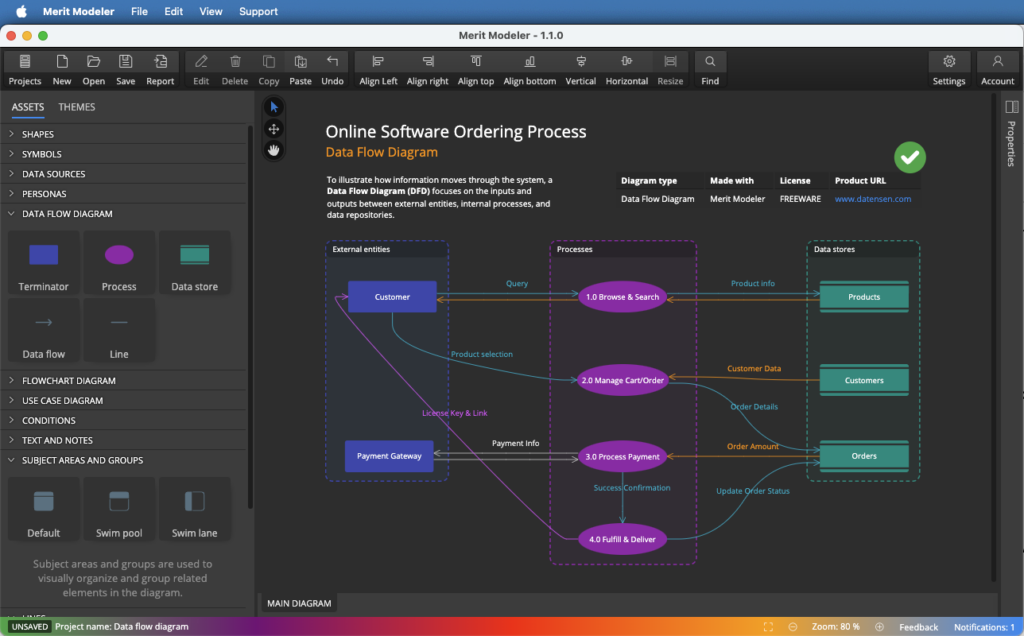
Key features:
- Full Data Flow Diagram symbol set (external entities, processes, data stores, data flows).
- Cross‑platform desktop app with fast performance.
- Grouping elements – subject areas, swim pools, swim lanes.
- Elements displayed as shapes or cards.
- HTML or markdown‑style notes.
- Export options for documentation and presentations (images or PDF).
Because it’s completely free and offline‑first, Merit Modeler is an excellent choice if you want a no‑cost, professional‑grade desktop tool for Data Flow Diagrams.
2. draw.io
draw.io (often branded as diagrams.net) is a free, open‑source diagramming tool available as a web app and as a desktop application. It includes dedicated Data Flow Diagram shapes and integrates with cloud storage providers such as Google Drive and OneDrive.
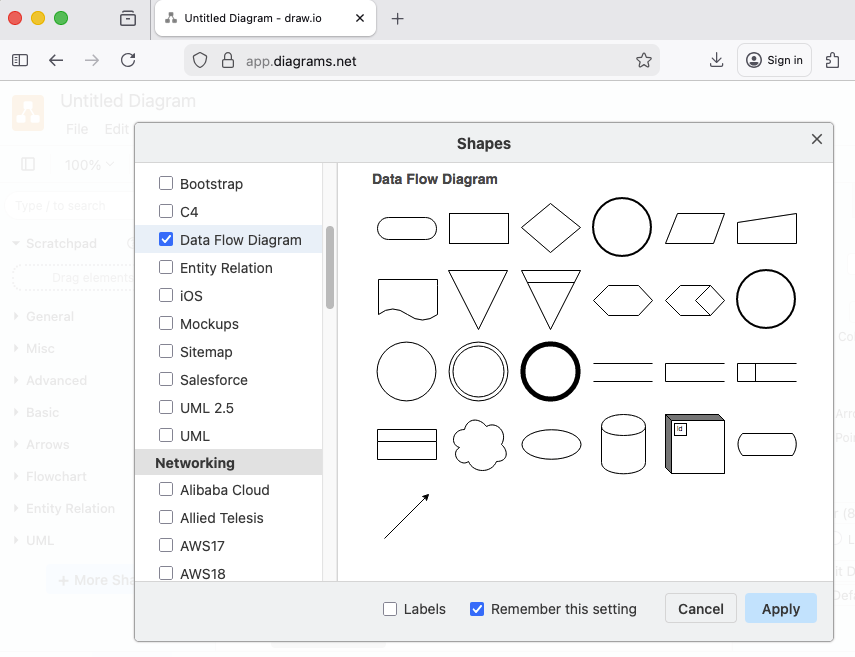
Main strengths:
- Free and open source with strong community support.
- Works offline via the desktop app.
- Easy to learn, with templates and libraries for Data Flow Diagrams and other diagrams.
URL: https://app.diagrams.net/
Github: https://github.com/jgraph
3. Dia
Dia is an open source diagramming application inspired by Microsoft Visio. It includes stencils for UML, network diagrams, and allows you to draw also Data Flow Diagrams.
Key benefits:
- Open source and free for any use.
- Lightweight and runs on Windows, Linux, and macOS.
- Good for users who prefer a simple, desktop‑only tool.
4. Creately
Creately provides an online Data Flow Diagram maker with a focus on ease of use and team collaboration. It includes Data Flow Diagram templates and shape libraries, making it simple to start modeling data flows quickly.
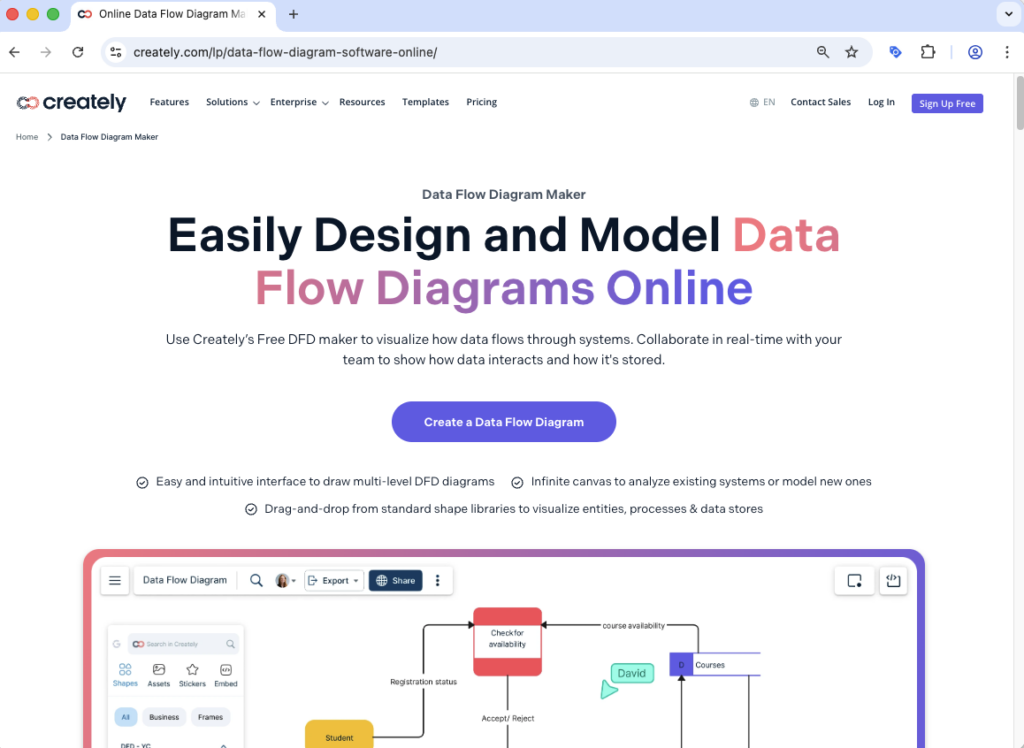
Advantages:
- Dedicated Data Flow Diagram generator and template library.
- Free plan suitable for small projects and individual users.
URL: https://creately.com/lp/data-flow-diagram-software-online/
5. Canva (Data Flow Diagram templates)
Canva is best known as a design tool, but it also offers Data Flow Diagram templates you can customize. While it’s less “technical” than dedicated modeling tools, it’s great for creating visually appealing Data Flow Diagrams for presentations and documentation.
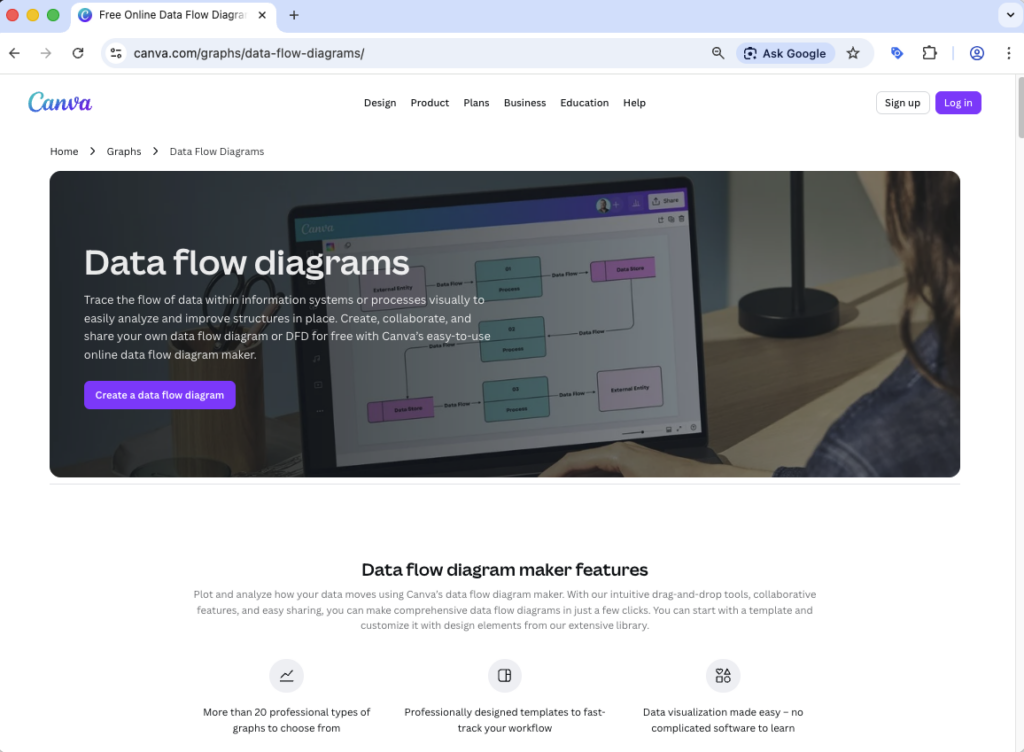
Key benefits:
- Drag‑and‑drop editor with attractive styling options.
- Large library of free and premium templates.
- Good for non‑technical stakeholders who want clean, presentable Data Flow Diagrams.
How to get started today with Data Flow Diagrams
If you want a free desktop application specifically tailored for Data Flow Diagrams, Merit Modeler is a strong starting point: install it, create a new model, add external entities and processes, connect them with data‑flow arrows, and export the diagram for documentation or sharing.
By combining a clear creation process with the right tool, you can turn complex systems into clean, understandable Data Flow Diagrams that help both technical and non‑technical stakeholders.
Disclaimer: This list is subjective and based on the author’s experience with Data Flow tools. Inclusion of Merit Modeler reflects its alignment with our criteria; other tools are equally capable depending on user needs. No compensation was received from vendors of listed products. Comparisons are for informational purposes only and not professional advice. All products are presented ‘as is’ without warranties; we disclaim liability for decisions based on this content.
 Luna Modeler
 Moon Modeler
 Galaxy Modeler
 Merit Modeler
 Meteor Modeler